Why sketch small and set a timer?
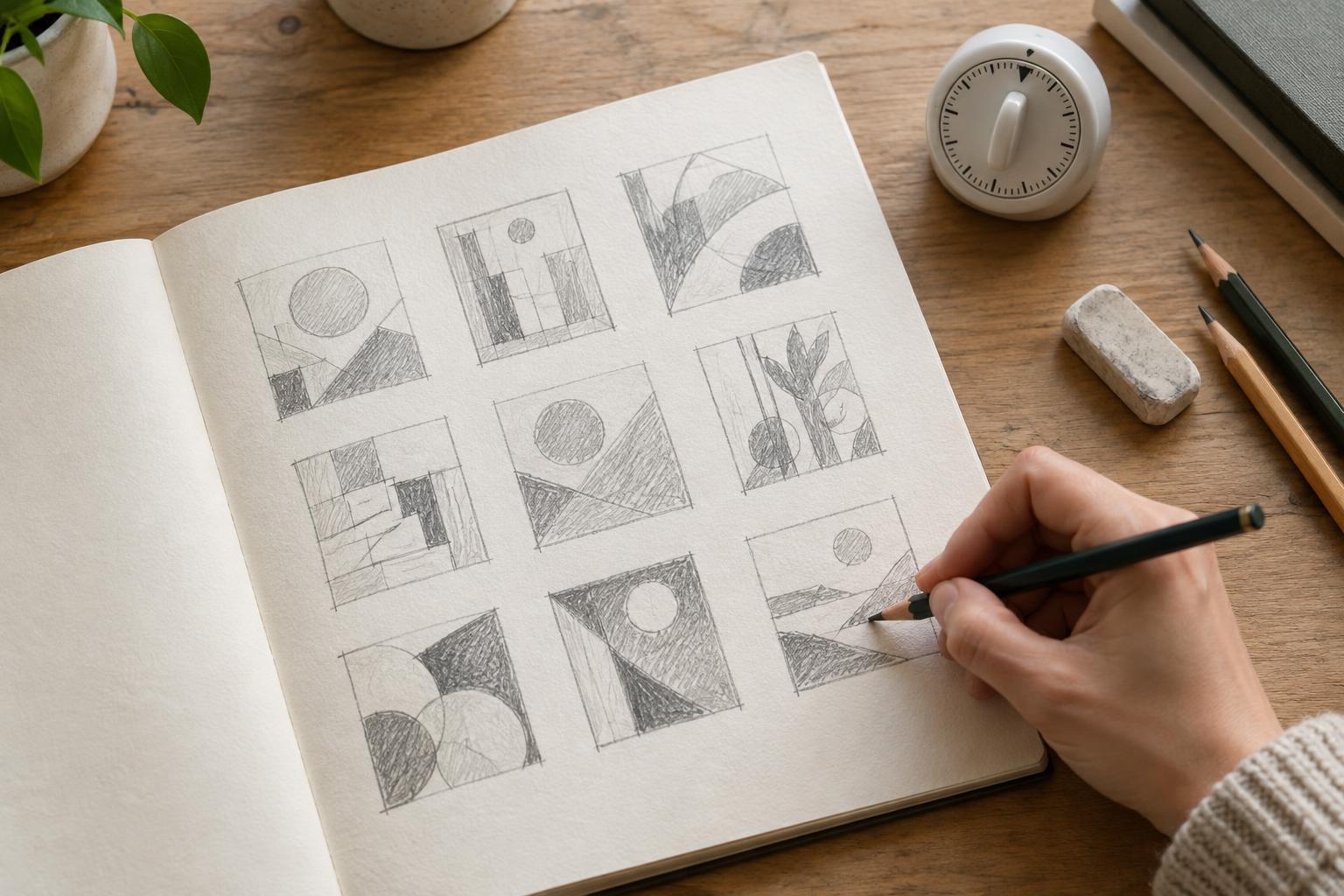
A thumbnail sketch is a small, rough drawing that captures the main arrangement of a composition. It might show where a headline, image and supporting text sit on a page, or how a subject fits within a photograph. Its purpose is not to look finished. It is to make a visual idea easy to see, compare and change.
Working small limits the detail you can add. A timer reinforces that limit: when you have only a minute or two, you are more likely to decide what matters most than to perfect a border or letterform. A set of quick sketches can reveal options you might miss if you develop your first idea immediately. Treat the timer as a prompt to move on, not as a measure of drawing ability.
Set up one clear composition problem
Start with a specific format and goal. For example, you might be arranging a workshop poster that needs to make the event name prominent, show one image and leave room for practical details. Draw several identical rectangles to represent the finished format. If the work will appear on a phone screen, use a tall rectangle; if it is a presentation slide, use a wider one. The proportions do not need to be exact, but they should be consistent across your sketches.
List the elements that must appear, then identify one priority. What should someone notice first? Keep that question visible while you work. Use a pen and paper or a simple digital drawing tool, whichever lets you work without stopping to adjust settings. Represent text as short lines or blocks and images as basic shapes. This keeps your attention on placement, scale and visual weight rather than wording or decoration.
Run a short sequence of sketches
Try six to eight thumbnails, allowing roughly one or two minutes for each. In the first few, make distinct structural choices: place the focal element at the top, move it to one side, centre it, or give it most of the space. Keep the required content in every version. If an idea does not fit, make a quick mark to show the problem and continue rather than repairing it under the timer.
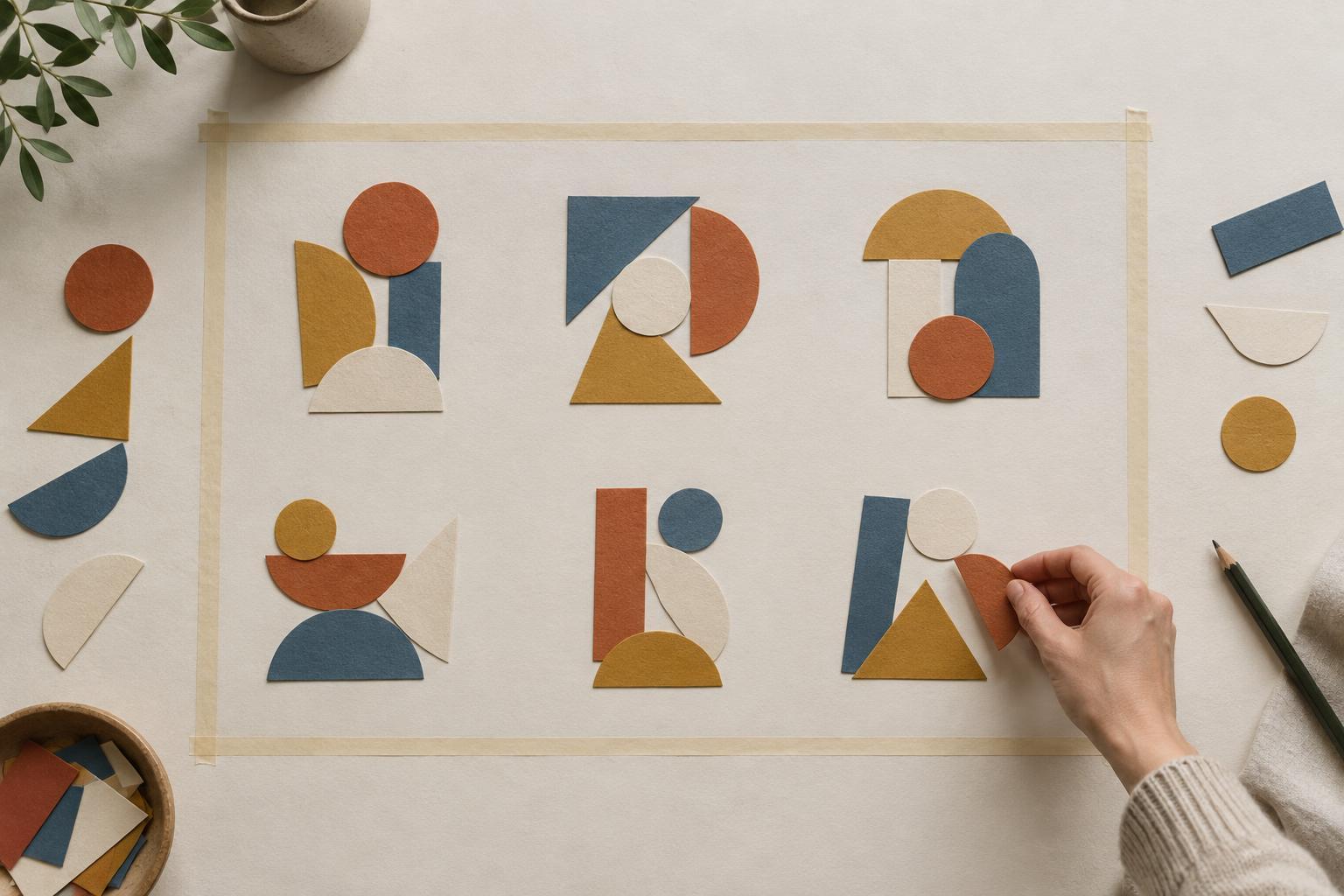
In the next few sketches, vary one feature more deliberately. You could test a large image against a small one, a dense group of elements against generous empty space, or an orderly grid against a more uneven arrangement. Use simple dark shading to mark the heaviest areas. If every thumbnail looks similar, give yourself a stronger constraint, such as placing the main element away from the centre. The aim is not to generate a winning design on the spot; it is to make different possibilities visible.
Compare what each sketch communicates
When the timer ends, look at the thumbnails together before refining any of them. Which one directs your eye to the intended priority? Where does the supporting information remain easy to find? Notice whether empty space helps separate ideas or simply leaves an awkward gap. A composition can look interesting at sketch size while failing to accommodate necessary content, so check both its visual effect and its practical fit.
Choose two or three candidates and write a brief note beside each: what works, what remains unclear and what you would test next. If you are working with a teammate, ask them what they notice first without explaining the sketches beforehand. Their response is not a final verdict, but it can show whether your intended hierarchy is coming across. Compare the arrangements rather than debating unfinished details such as colour or typeface.
Turn a promising thumbnail into a useful next step
Redraw your strongest options at a slightly larger size. Keep the basic arrangement, then add enough detail to test spacing, content length and alignment. You may discover that the best solution combines the clear focal point from one thumbnail with the quieter supporting layout of another. That is a useful outcome: the sketches are working as material for decisions, not as designs you must preserve intact.
Keep the original sheet or digital page alongside the next draft. It records alternatives you can revisit if the brief changes or the chosen composition proves difficult to develop. Timed thumbnails are especially useful at the beginning of a project or when a layout feels stuck. A short round of rough options gives you something concrete to evaluate before you spend time polishing a single direction.