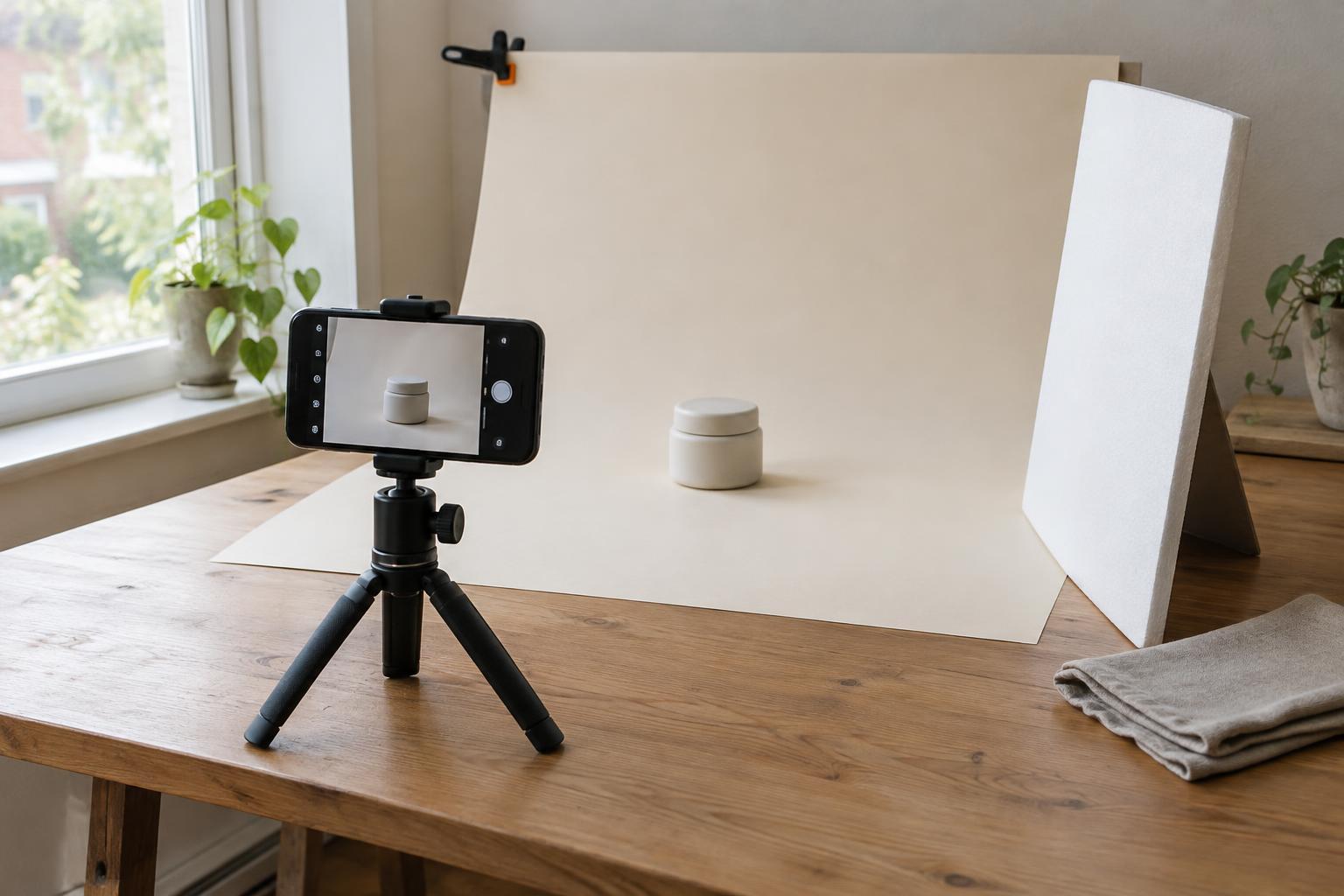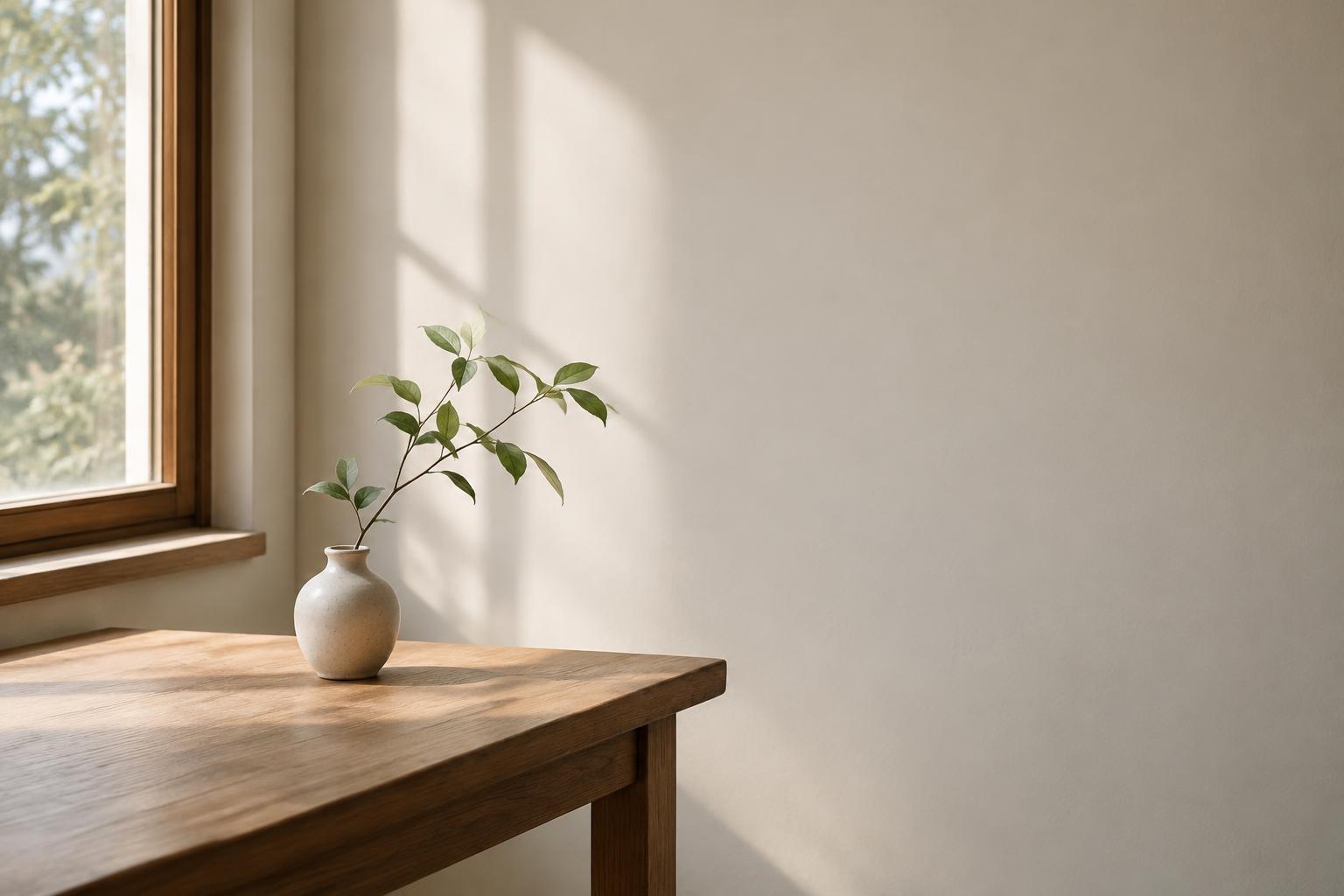
Decide what the viewer should notice first
Before adjusting a camera or moving a subject, finish this sentence: “This photograph is about…” The answer might be a person making something, the shape of an object, or the relationship between a product and its setting. It does not have to describe everything in the scene. It gives you a way to judge which visible details help communicate the idea and which compete with it.
Look around the edges of the viewfinder as carefully as you look at the subject. A bright sign, a partial chair, or a high-contrast line can attract attention even when it seems unimportant in person. Try moving a step left or right, changing your height, or waiting for something in the background to move. Small changes in position can simplify the image without removing useful context.
Use framing to create a clear path through the image
Framing is the choice of what to include, where to place it, and where the photograph begins and ends. A close frame can make a gesture or texture prominent; a wider frame can show where an action is happening. Neither is automatically clearer. Choose the distance that gives the viewer enough information to understand the subject without asking them to sort through too many unrelated details.
Edges and lines can help guide attention. A doorway may surround a person at work, while the edge of a table may lead toward an object. These elements work best when they support the subject rather than become a second subject. Check, too, for lines that appear to run through someone’s head or objects that seem awkwardly attached to the main shape. Repositioning the camera is often more effective than trying to repair these distractions later.
It can help to make three versions of the same scene: one close, one at a comfortable middle distance, and one wide enough to show the environment. Compare them at a small size. If you can still identify the point of each image quickly, its framing is probably doing useful work.
Treat negative space as part of the message
Negative space is the area around or between the main elements of an image. It might be a plain wall, an open stretch of sky, a soft background, or a relatively quiet area of shadow. It need not be empty. Its value is that it gives the eye somewhere to rest and helps distinguish the subject from its surroundings.
Consider a portrait for a workshop announcement. Placing the person on one side of the frame with a quiet wall on the other can make the person easy to find while leaving a possible area for a headline. In a photograph of a handmade object, space around its outline can make its form easier to recognize. The amount of space should suit the purpose: too little may feel cramped, while too much may make a small subject difficult to identify.
Pay attention to the character of that space. A pale wall with visible switches and marks may not feel quiet once text is placed over it. Likewise, a busy background does not become negative space simply because it is out of focus. Look for broad areas with relatively consistent tone and few strong competing shapes.
Compose for the places the photograph will appear
A photograph that reads well on a large screen may lose its point when cropped into a narrow website card or a square social image. If you know the likely uses, leave a little room around important features and avoid placing essential details at the extreme edges. This gives you more options without requiring every version to use the same crop.
Make a quick test set before calling the image finished: view it uncropped, try a square crop, and try a wide crop. In each version, ask whether the subject is still obvious and whether the open area still helps the composition. If a crop cuts through a meaningful gesture or removes the context that explains an object, consider taking another photograph rather than forcing the image into that shape. When text will be added, check its legibility in the actual layout; an apparently clear patch of space may contain more variation than expected.
Practice with one subject and a few deliberate changes
Choose an ordinary subject, such as a notebook on a desk or a person working near a window. Take a first photograph without rearranging anything. Then make four more: remove one distracting element, change your camera position, move closer, and leave more space on one side. Keep the subject and lighting as consistent as you reasonably can so the framing decisions are easier to compare.
Review the images without looking for the most dramatic one. Ask what you notice first, what you notice second, and whether the space around the subject helps explain it or merely fills the frame. This simple comparison turns framing and negative space from vague visual preferences into decisions you can repeat, discuss with collaborators, and adapt to the next photograph.