Start with the job the image needs to do
Before moving furniture or picking up a camera, decide what a viewer should learn from the photograph. A small product might need one straightforward image that shows its shape and colour, a closer image that explains its texture, and another that shows its scale. Those purposes call for different framing, but they can all be photographed in the same tabletop setup.
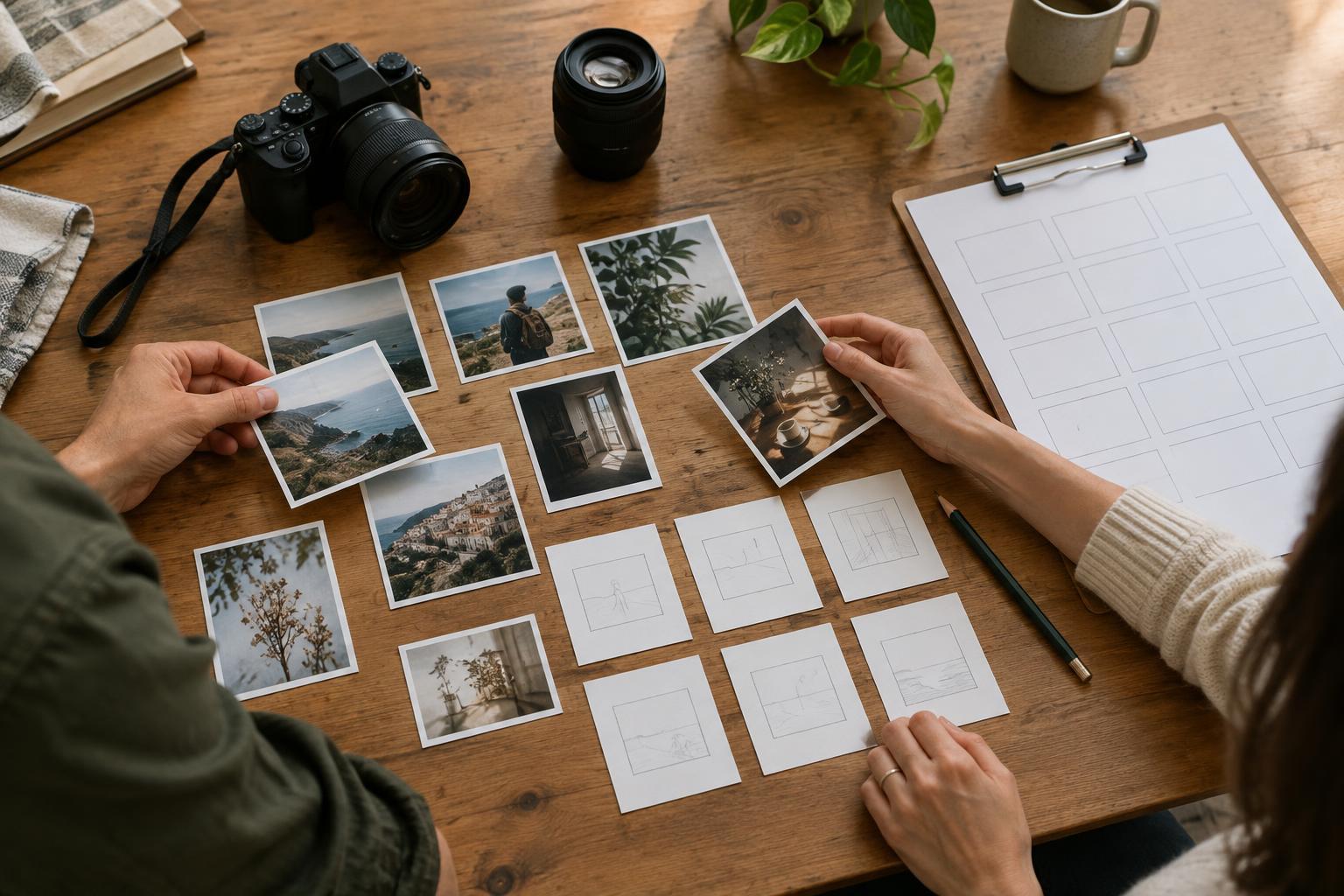
Choose one product for a test session. Clean it, remove temporary labels if appropriate, and inspect it from several sides. Make a short shot list: a front or three-quarter view, a detail, and a view that makes the size easier to understand. This prevents the common mistake of taking many similar photographs while missing an angle you need.
Build a stable setup with simple materials
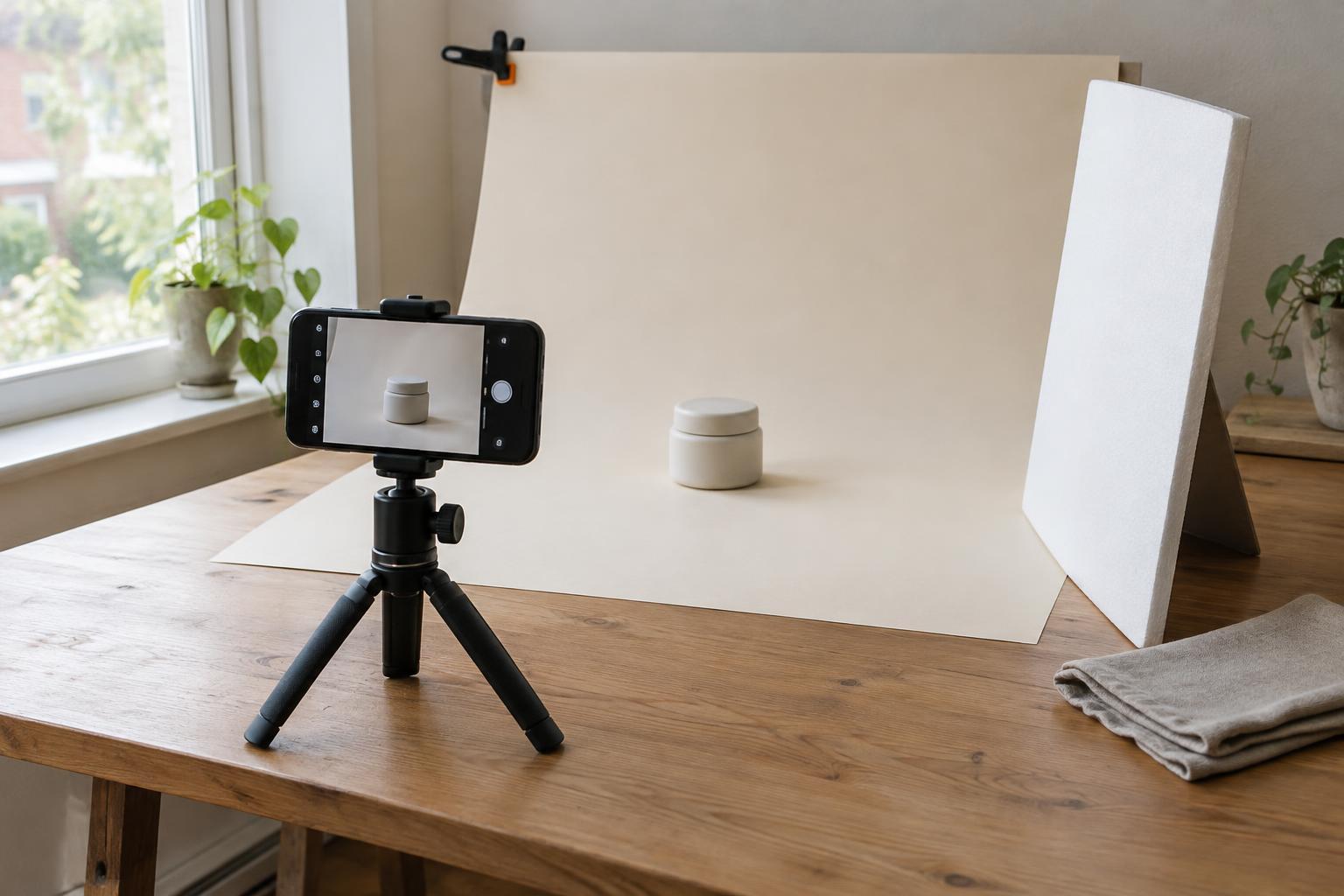
Place a table beside a window where the light reaches the surface without harsh patches of direct sun. A desk, a sturdy board across two supports, or a kitchen table can work. Clear enough room to move around the product and position your camera without bumping the setup.
For a clean background, use a large sheet of matte paper or card. Tape its upper edge to a wall or upright board and let it curve gently onto the table. The curve avoids a visible corner behind the product. Choose a neutral colour that separates the product from its surroundings: a pale object may be easier to see against mid-tone grey than against white. Keep the background large enough that its edges stay outside your frame.
Put a piece of white card on the side of the product opposite the window. It will bounce some light into the darker side. Move it closer for a brighter result or farther away to retain more shadow. A dark card can do the reverse, adding definition to the edge of a pale or reflective item. Tape down the backdrop and mark the product position with small pieces of removable tape so you can reset the scene.
Shape the light before changing camera settings
Window light from the side often reveals form and texture more clearly than light coming from directly behind the camera. If the shadow looks too strong, first try the white card. If direct sunlight creates sharp, distracting shadows, move the table out of the sun’s path or soften the light with a translucent curtain. Check that any material near the window is secure and does not obstruct a heat source.
Turn the product slowly and watch what happens to highlights. Glossy packaging, glass and polished metal reflect their surroundings, including the window and the photographer. A slight change in product angle or camera position can make a distracting reflection less prominent. For a consistent series, try to keep the window, backdrop and reflector in the same positions rather than solving each image with a completely new setup.
Take a test photograph and look at it at full size. Is the product clearly separated from the background? Does the light show the feature you want to communicate? Are there unwanted reflections or shadows that obscure important details? Change one thing at a time, then take another test. That makes it easier to see which adjustment helped.
Use your phone or camera deliberately
A phone is enough to practise this process. Wipe its lens, keep it level for straightforward product views, and tap the product on the screen to set focus. If your camera app allows exposure adjustment, reduce or increase it until important light and dark areas retain visible detail. Avoid relying on digital zoom; move the camera or crop later if the image has enough resolution for its intended use.
Steady the camera with a tripod or a firm support, especially when the light is dim. Keep the product and camera positions fixed while making a set of comparable images. For a three-quarter view, rotate the product rather than changing the camera height every time. Then move in for details that show a material, fastening or other distinctive feature. Leave some space around the product when an image may need text or a different crop later.
Finish with a repeatable review
After shooting, compare the images as a group rather than choosing each one in isolation. Look for consistent colour, background tone, camera height and product size within the frame. Select photographs that answer different questions instead of keeping several near-duplicates. Basic edits such as cropping, straightening and modest exposure adjustments can improve clarity, but try not to edit away the product’s real colour or features.
Save a brief note or a phone snapshot of your tabletop arrangement: where the table sat, which side the window was on, and how far the reflector stood from the product. Next time, you can rebuild a familiar starting point and spend your attention on what is different about the new object. The aim is not a perfect studio. It is a small, understandable system that helps you make useful images on purpose.