Start with the job the images need to do
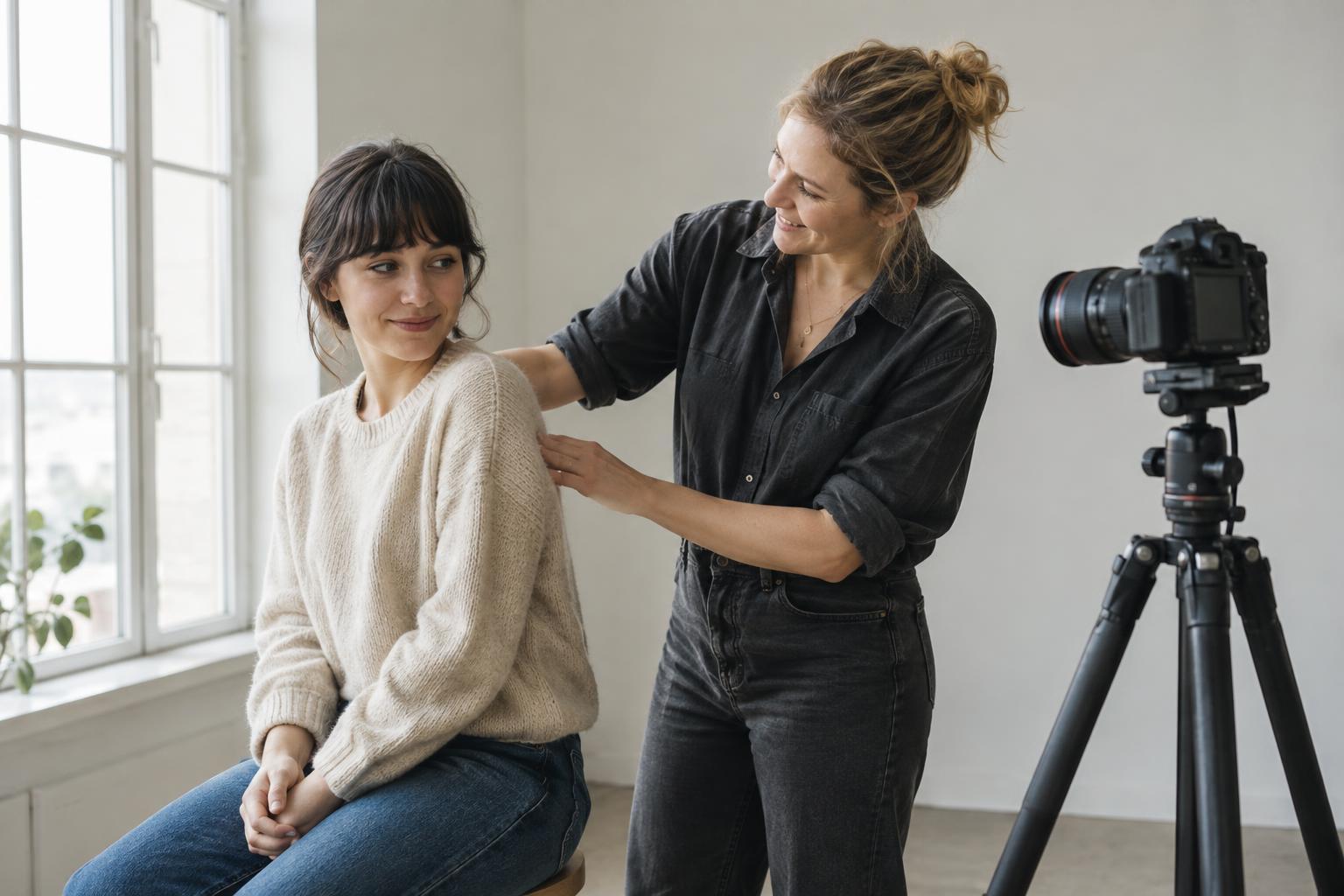
A photography brief is a shared description of the purpose of a shoot. Before choosing a location or collecting references, write down where the images will appear and what someone should understand from them. A portrait for an about page might need to make a person feel approachable, while a product photograph might need to show its shape, material or scale clearly. The same subject can call for very different pictures depending on the intended use.
Name the audience and the main message in a sentence or two. Then list the planned formats: a wide website banner, a square social post, a vertical story or an image with space for a headline, for example. These details affect composition on set. If several people will use the images, ask each of them what they need before the shoot rather than discovering conflicting expectations during it.
Keep the brief short enough to use. It should help people make decisions, not describe every possible photograph. A useful test is whether the photographer, subject and person selecting the final images could read it and agree on what a successful set would contain.
Describe the visual direction without scripting every frame
Choose a few words that describe the desired feel, then explain what they mean in visible terms. “Warm and informal” could mean natural gestures, familiar surroundings and soft-looking light. “Precise and minimal” might suggest uncluttered backgrounds, controlled framing and clear views of important details. Specific descriptions are more helpful than adjectives alone because they give the team something to look for.
Reference images can clarify framing, colour, lighting or mood, but note which feature of each reference matters. Otherwise, one person may focus on the pose while another notices only the background. Include any visual identity considerations, such as recurring colours or space for typography, without forcing every image to look identical.
Also say what to avoid. If the work should feel hands-on, a row of people smiling at a camera may be less useful than images of them making decisions together. Boundaries like this guide choices while leaving the photographer room to respond to the people and setting.
Turn the brief into a prioritised shot list
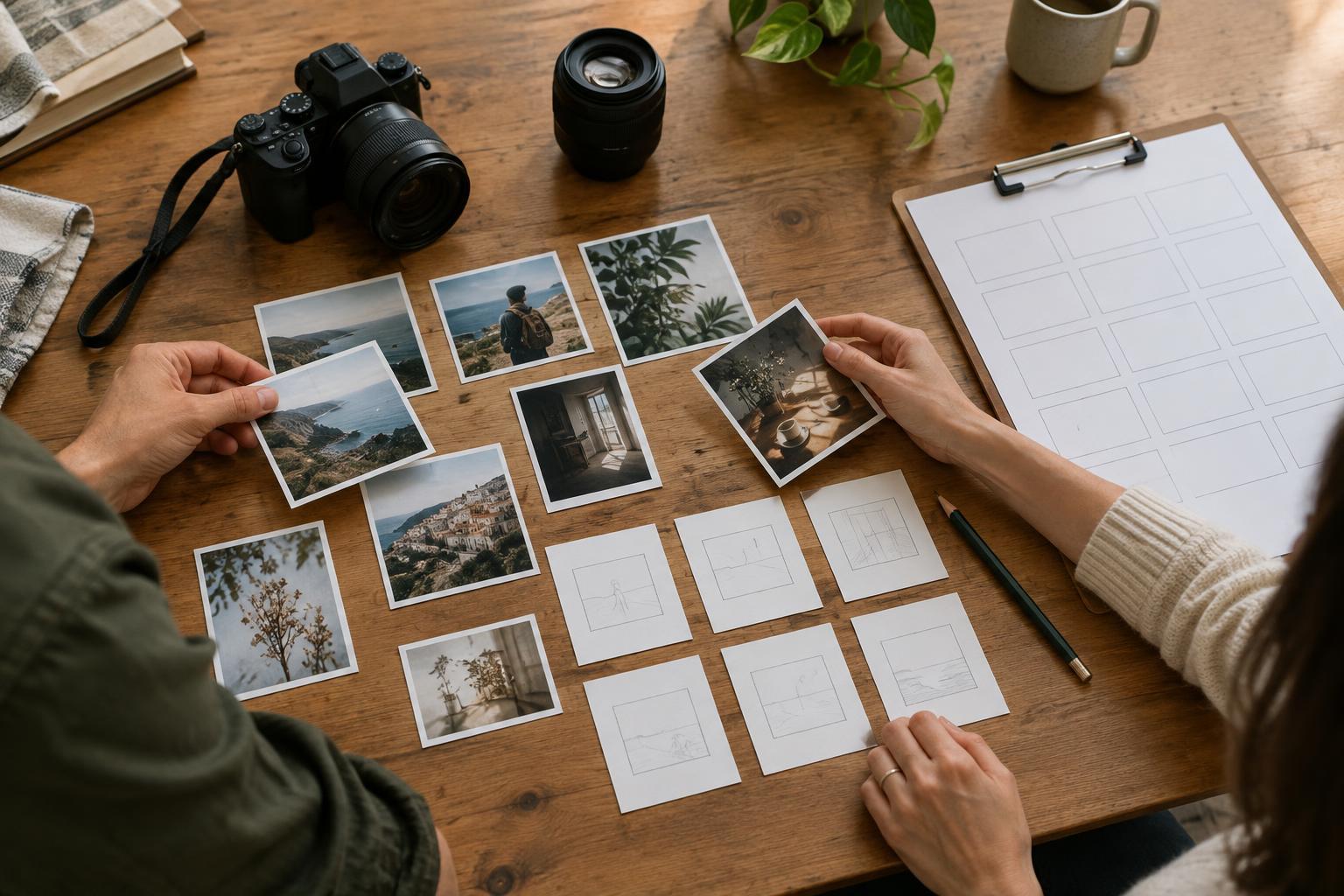
The brief explains why; the shot list describes what to capture. Make each entry concrete enough to act on. “Team at work” is vague. “Two team members reviewing printed options at the table, with their hands and the designs visible” gives the photographer a subject, an action and a useful detail. Add a note about orientation or empty space only when it matters for a planned placement.
Separate essential shots from useful extras. For a small studio introducing a new project, essentials might include a clear image of the finished piece, a portrait of its maker and one photograph showing it in use. Extras could include materials, process details and alternate angles. This order protects the shoot’s core purpose if setup takes longer than expected.
Group related shots by location, subject or lighting setup rather than by where they will appear online. That can reduce unnecessary movement. For each group, note who or what must be present and whether there are props or preparations to complete. A checklist is useful, but it should not become so detailed that the team spends more time reading it than observing the scene.
Plan for real constraints and useful variation
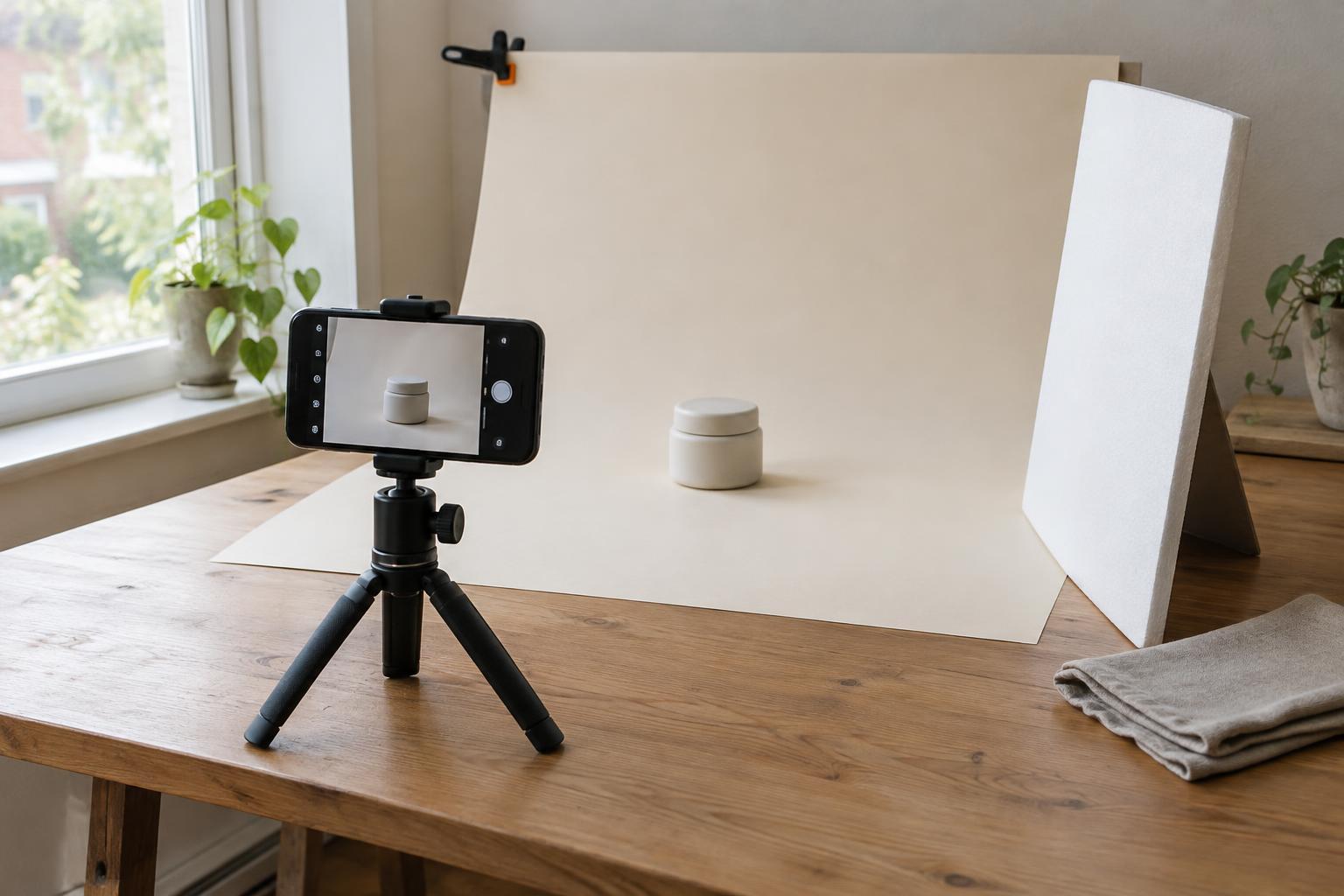
Add practical information to the brief: location, available time, people involved, contact person, planned image uses and who will make decisions on the day. Confirm access to the space and the availability of products, clothing or props in advance. If an image requires a specific setup, allow time to arrange it. Where permissions or usage terms matter, clarify them with the relevant people before relying on the images for a particular purpose.
Build variation into the shot list. For an important scene, consider a wide view for context, a closer view for expression and a detail that shows texture or action. Leave room around some subjects for cropping, especially when an image may need to fit multiple layouts. Capturing options is more useful than repeating nearly identical frames.
Weather, available light, busy spaces and people’s schedules can change a plan. Identify a simpler version of each essential shot: a quieter corner, a different angle or a close-up that needs less background control. A fallback is not a second full shoot plan; it is a way to preserve the most important outcomes when conditions change.
Use the documents during the shoot and review them afterward
Share the brief and shot list before the shoot so participants can flag missing items or unrealistic expectations. At the start of the session, confirm the top priorities and who can approve a change of direction. Check the shot list at natural breaks rather than treating it as a script for every moment. If an unplanned interaction communicates the project better than a planned pose, make space for it after the essentials are covered.
Before leaving, review what has been captured against the priority list. Look for missing subjects, awkward crops or images that do not show the intended detail. A quick check may reveal a gap that is easy to fix while everyone is still present. After selection, note which instructions helped and which created unnecessary work. The next brief can then be shorter, clearer and better matched to how your team actually shoots.