Start with the work, not the camera
The best camera for your content is the one that helps you make the images you need, consistently. A small team posting workshop updates may value speed and easy sharing. A designer documenting a finished identity system may need careful control over colour, lighting and detail. Neither priority automatically calls for a particular device.
Before comparing equipment, list the content you actually produce: behind-the-scenes moments, portraits, product details, event coverage or short video. Note where each piece will appear and how long it needs to remain useful. A quick social post and an image for a long-lasting portfolio case study may call for different levels of preparation. This gives you a more useful question than “Which camera is better?”: “Which setup makes this kind of work easier to do well?”
When a smartphone is the stronger choice
A smartphone is easy to keep nearby, so it suits content that depends on timing. You can capture a sketch pinned to a wall, a collaborator explaining a prototype or a brief moment at an event without unpacking a kit. Shooting, selecting, editing and publishing can happen on the same device, which helps when one person handles the whole process.
Phones can also encourage a less formal style. That may suit process diaries, informal interviews and updates where immediacy matters more than a highly controlled look. Their limits become more noticeable when light is poor, subjects move quickly or you need precise control over perspective and focus. Processing can make an image look appealing on the phone while obscuring textures or shifting colours you wanted to document accurately.
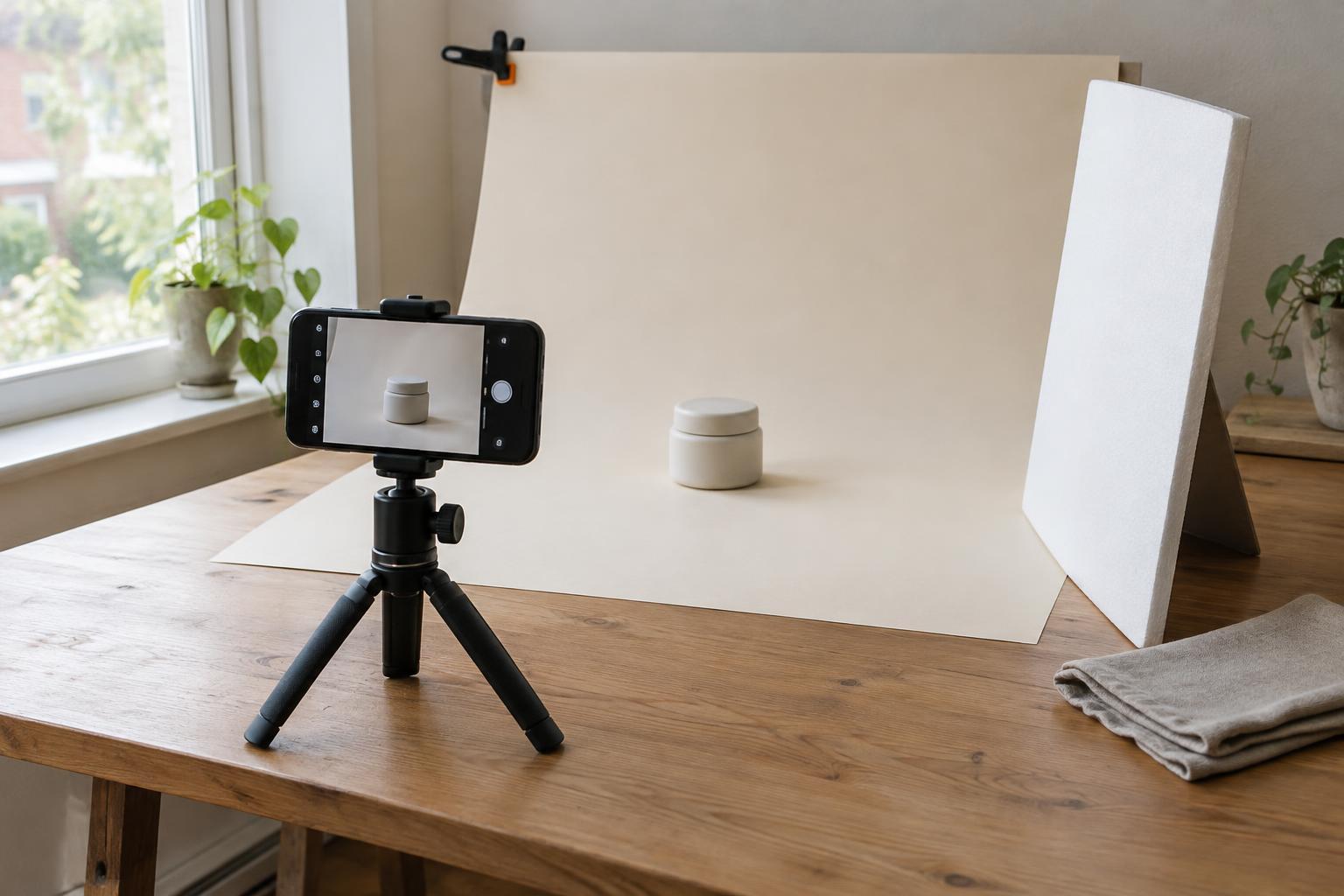
Good habits matter more than switching devices too soon. Clean the lens, choose a simple background, look for even light and steady the phone before capturing an image. For video, check the sound as carefully as the picture. A modest support, such as a small tripod, may solve a recurring problem more directly than a new camera.
When a dedicated camera earns its place
A dedicated camera can be valuable when the work calls for repeatable control. Interchangeable lenses, manual settings and more flexible lighting options can help with portraits, products, interiors or carefully planned campaign images. Depending on the camera and setup, you may also have more room to work with files during editing, especially when adjusting exposure or maintaining a consistent series.
That control comes with a workflow. You need to carry the equipment, manage batteries and storage, transfer files, select images and prepare exports for their destinations. A camera that produces excellent images but stays in a cupboard will not improve your regular content. The cost of lenses, lighting and time spent learning the setup also belongs in the decision.
A dedicated camera makes particular sense when you can name the limitation it will address. “Our product colours change unpredictably between shoots” is a clearer reason to investigate a controlled camera-and-lighting setup than “Our feed should look more professional.” Sometimes the real fix is consistent light, a repeatable background or a clearer brief, regardless of camera.
Run a small content test before deciding
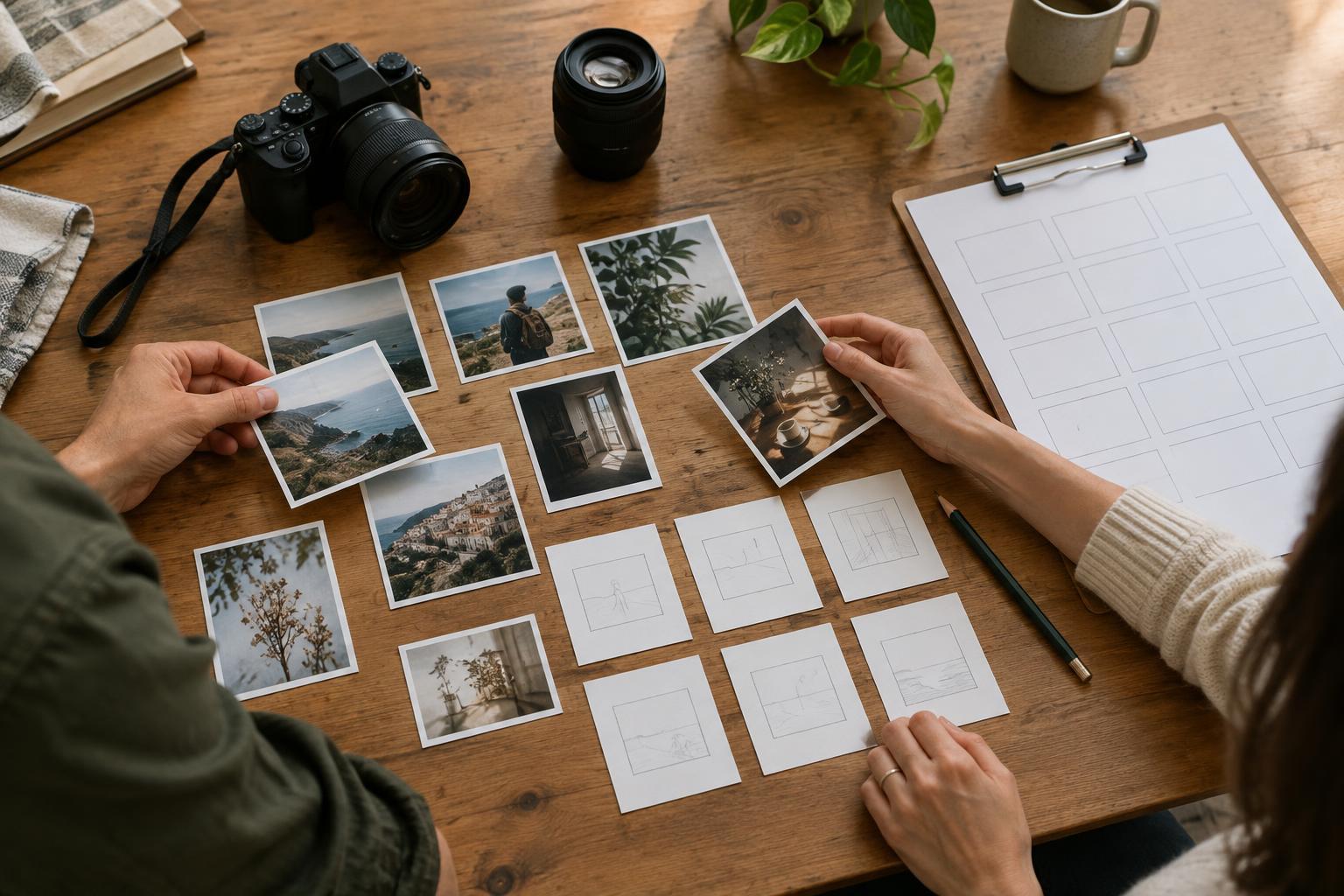
Choose one representative assignment, such as photographing a new project for a case study. Write a short brief: the required shots, intended formats, deadline and qualities the images must communicate. Then make a small set with the smartphone and, if you can borrow or rent one, a dedicated camera. Try to keep the subject, location and lighting similar so you can judge the working process as well as the results.
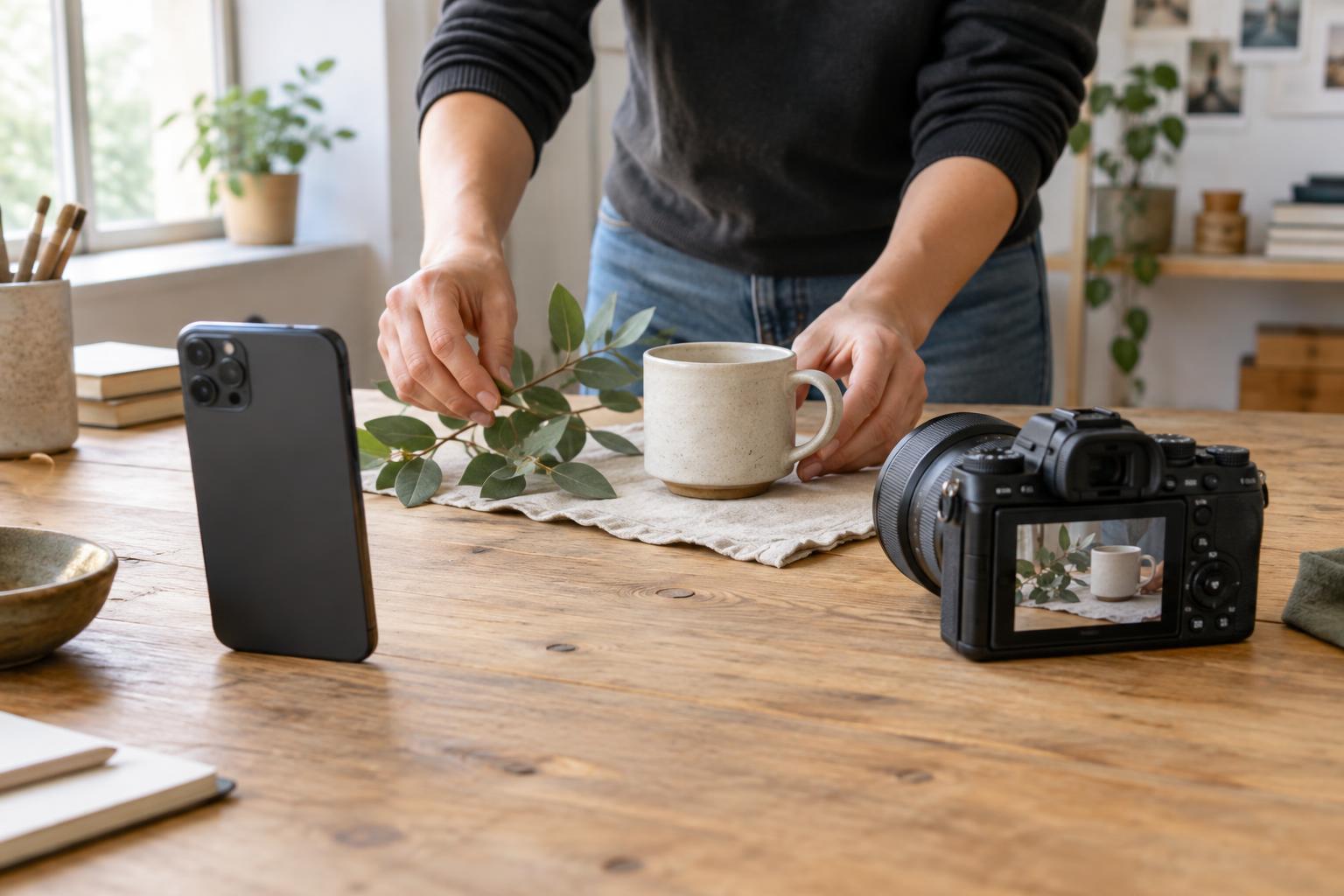
Review the images at the size and in the context where people will see them. Which set communicates the project clearly? Which took longer to capture and prepare? Could someone else on your team repeat the process? Record any obstacles, such as difficult colour, missed moments or slow file transfer. This exercise turns an equipment debate into a practical comparison based on your own content.
If you cannot test both devices, review your recent images instead. Identify the problems that recur and separate capture issues from planning or editing issues. A camera purchase will not fix an unclear subject, inconsistent art direction or a crowded composition.
Build a workflow that can use both
You do not have to choose one device for everything. A smartphone can cover sketches, workshop moments and timely updates, while a dedicated camera handles planned portraits or finished-project documentation. Give each type of content a simple brief so the visual identity stays recognisable even when the capture methods differ.
Set a few shared rules: preferred framing, background choices, lighting approach, file names and where approved images are stored. For collaborative teams, decide who selects the final images and how those images can be reused. These small decisions make content easier to find and keep a mixed collection from feeling accidental.
Choose the simplest setup that reliably meets your needs now. Improve the process first, then add equipment when a specific, repeated limitation justifies it. That approach leaves more time for the work the images are meant to communicate.