Why mixed lighting changes color
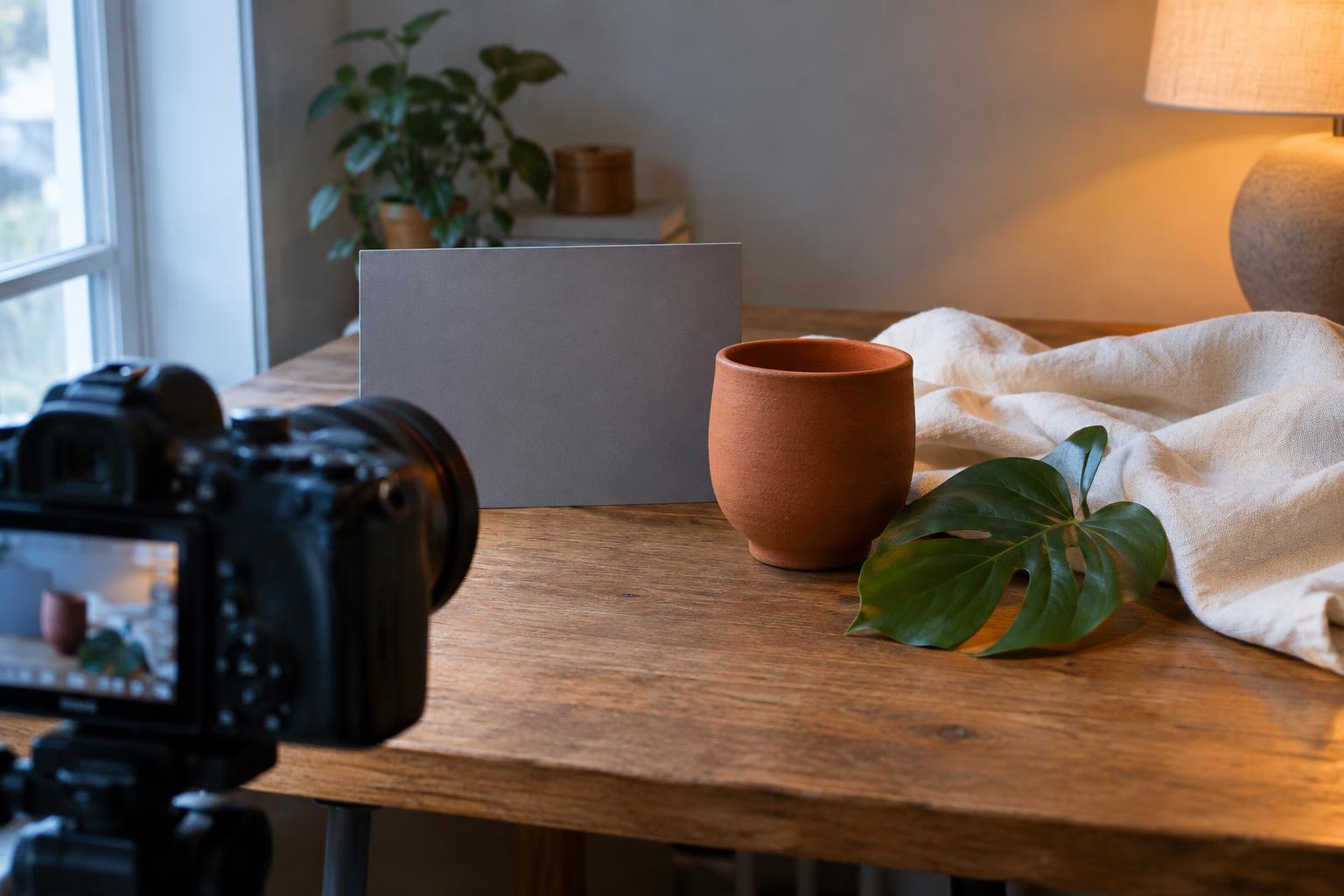
White balance tells a camera which color of light should appear neutral. A camera’s automatic setting can work well under a consistent light source, but a room with daylight from a window and warm light from a lamp presents a different problem. If the camera makes the window-lit areas neutral, the lamp-lit areas may look orange. Correcting for the lamp can make the window light look blue. Neither result necessarily means the camera has made a mistake: one global setting cannot make two differently lit areas neutral at once.
This matters when photographing products, artwork, interiors or people alongside branded materials. A cream package may appear white in one corner of the frame and yellow in another. Before changing camera settings, look at where the important subject sits and which light reaches it. Your aim is not always to remove every trace of warmth or coolness; it is to make the colors that matter believable and consistent.
Choose the light that should look accurate
Start by deciding what viewers need to judge. For a product photograph, that might be the product’s surface and packaging. For a portrait, it may be skin and clothing. For an interior, the warm atmosphere of a lamp might be part of the story, even if a white wall near the window looks cooler. Let that priority guide your white balance rather than asking the camera to average the entire frame.
Check whether the subject is receiving one main light or a mixture. Moving a product closer to a window, turning off an overhead lamp, or shifting a person away from a colored LED can make color easier to control than a menu adjustment will. If you need both light sources in the picture, try to keep the critical subject mostly within one of them. You can then allow the other light to provide contrast or atmosphere in less color-sensitive areas.
Set a useful reference in camera
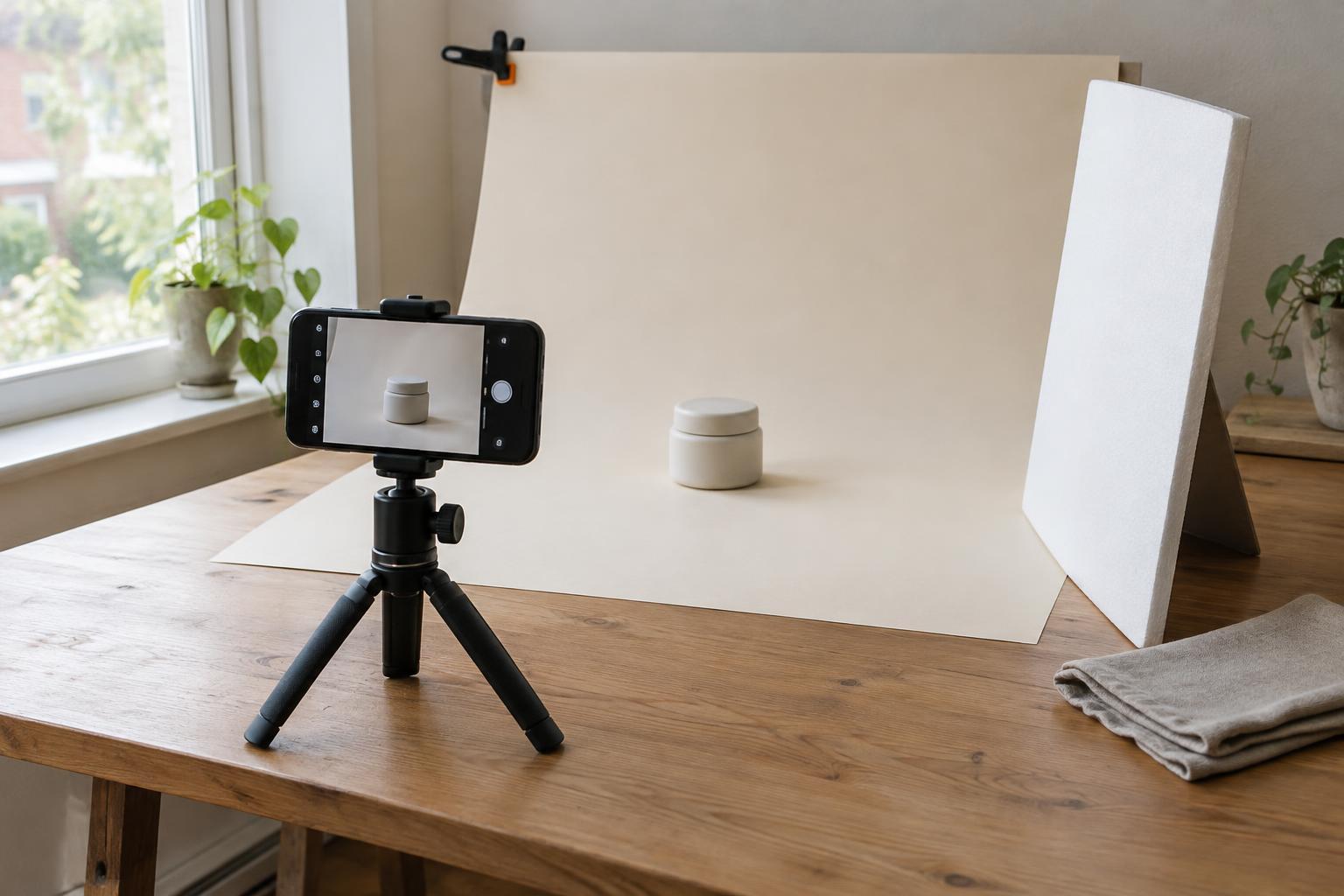
For a repeatable session, place a neutral gray card where the subject will be, angled so it receives the same light as the surface you want to render accurately. Fill enough of a reference frame with the card to identify it later, or use your camera’s custom white-balance procedure if available. A white sheet of paper can help you spot a strong cast, but it is less dependable as a reference because papers vary in color and can reflect surrounding light.
When the lighting stays stable, a fixed white-balance preset or Kelvin setting keeps successive frames more consistent than automatic white balance, which may change as you reframe. Kelvin controls the blue-to-amber balance; many cameras also offer a separate tint adjustment for green-to-magenta casts. That tint control can be useful under some LEDs or fluorescent lights, but it still cannot correct two different casts falling on separate parts of the subject. Record a new reference if you move the subject or change the lights.
Refine color without losing the character of the scene
If your workflow allows it, shoot RAW. A RAW file gives you more flexibility to adjust white balance during editing without locking in the camera’s initial interpretation. Begin with the frame of the gray card, then apply its white-balance setting to images made under the same light. Compare the result with the subject as you remember it. A neutral reference is a starting point, not a requirement to strip all warmth from an inviting room or all coolness from a window-lit portrait.
Next, inspect the edges of the subject for mixed-light patches. A local adjustment may reduce an unwanted color cast on a wall or background, but be cautious with color-critical surfaces: a single object lit by both a warm lamp and cool window can look uneven even after editing. Large corrections may also make shadows or skin look unnatural. If the mismatch is distracting, changing the lighting and reshooting is often simpler than trying to repair every area separately.
Use a short consistency check
Before you finish, compare several images from the same setup side by side. Look at a familiar neutral surface, the key subject colors and any areas where two lights overlap. If one image looks markedly warmer than the next, check whether automatic white balance changed or the subject moved into a different pool of light. Make adjustments to a representative image first, then apply them to frames made under matching conditions.
For a practical exercise, photograph the same object beside a window with a lamp switched on. Take one frame on automatic white balance, one using a reference beside the object, and one after switching off the lamp. Compare which colors remain consistent and which change across the object. The exercise makes the central lesson visible: accurate color in mixed lighting starts with deciding what should be neutral, then controlling the light that reaches it.