Start with the image you need
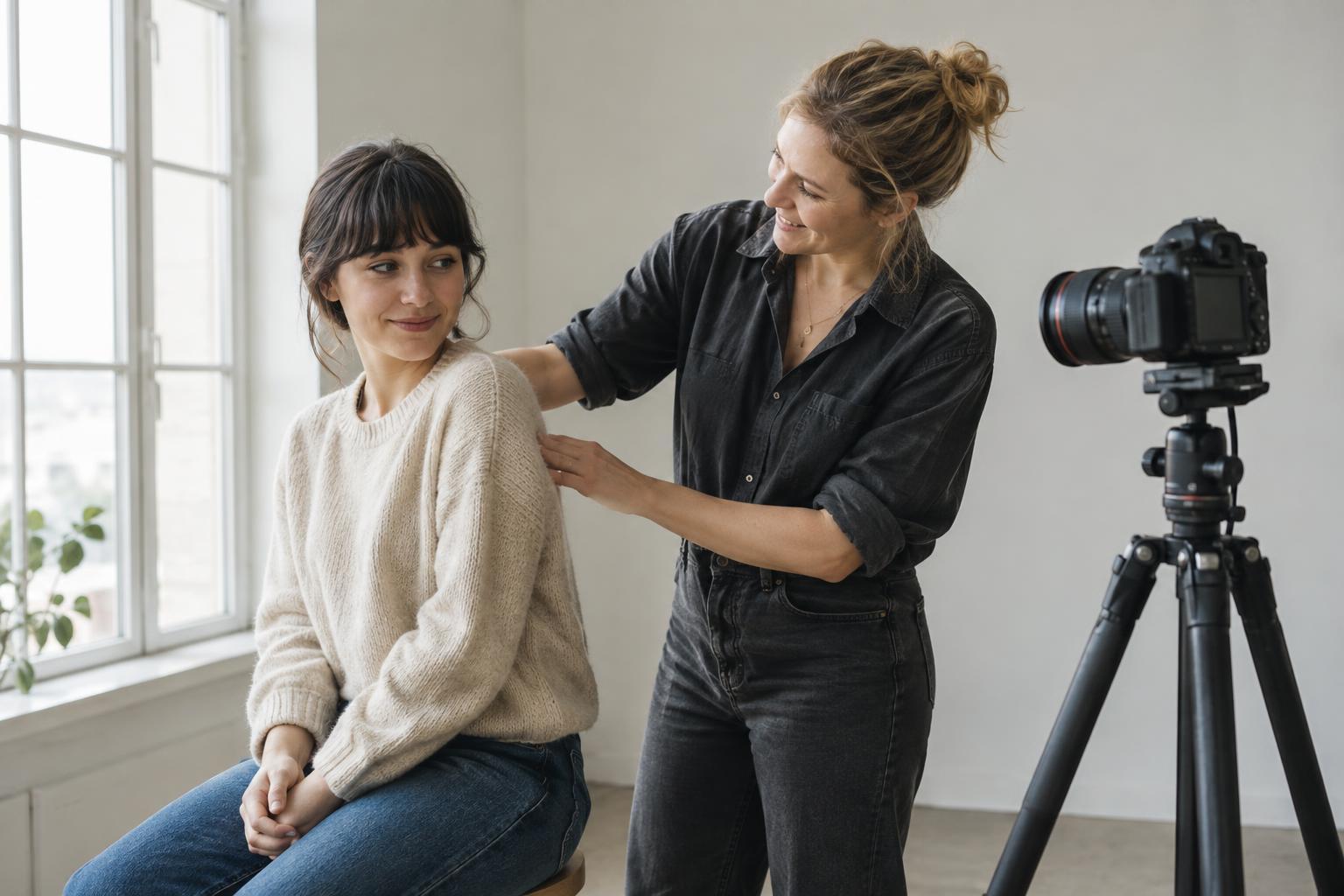
Before moving furniture or setting up a camera, decide what the photograph needs to communicate. A portrait for a team page may need a calm background and room for a name or caption. A product image may need to show texture, shape and scale. A photograph of a work in progress might benefit from visible hands and tools. Write down two or three qualities you want the image to have, such as soft, precise or informal. These choices will guide where you place the subject and how much of the room you include.
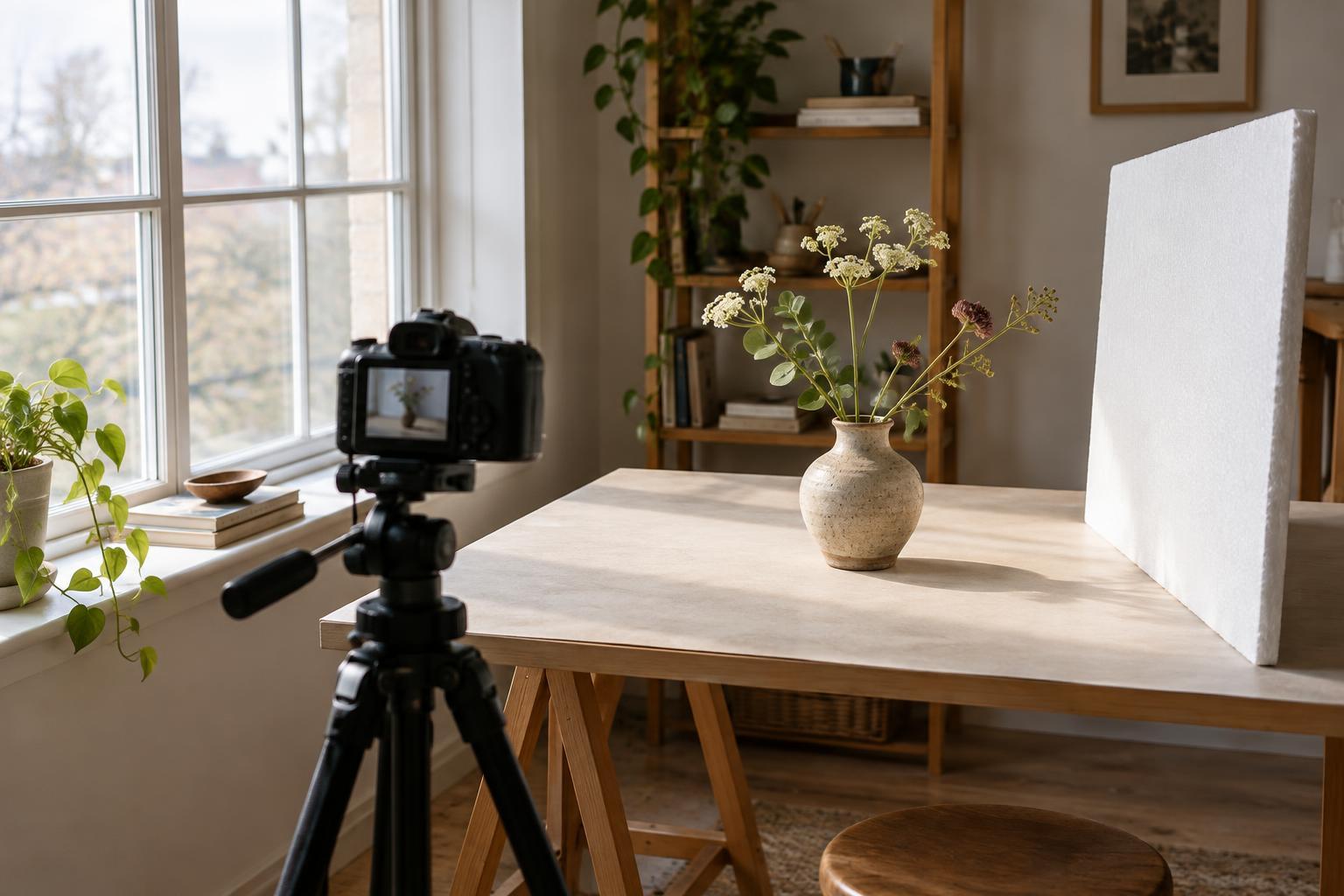
Choose one window as your main light source. Look at the space around it: can you move the subject close to the window, and is there enough room to step back with the camera? Notice any bright patches of direct sun, as well as light reflected from nearby walls. You are looking for a workable area, not a perfect room. A clear wall, tabletop or piece of plain fabric can often serve as a background.
Position the subject to shape the light
Place the subject beside the window and turn it gradually while watching the shadows. When the window is in front of the subject, the light tends to look even. Move the window to one side and you will see more shape in a face or object. Put the window behind the subject for a brighter outline, but expect the side facing the camera to need more attention. Start with the window at roughly a right angle to the camera, then adjust from there.
Distance matters as much as direction. Moving a small object or a seated person closer to the window often makes the light more prominent relative to the rest of the room. Moving farther away usually reduces that contrast with the ambient light. Make one change at a time and take a test frame after each move. If direct sunlight creates hard-edged patches that distract from your subject, try a different position or wait for the light to change. A thin curtain can soften the light, though it may also make the scene dimmer.
Use simple surfaces to manage shadows
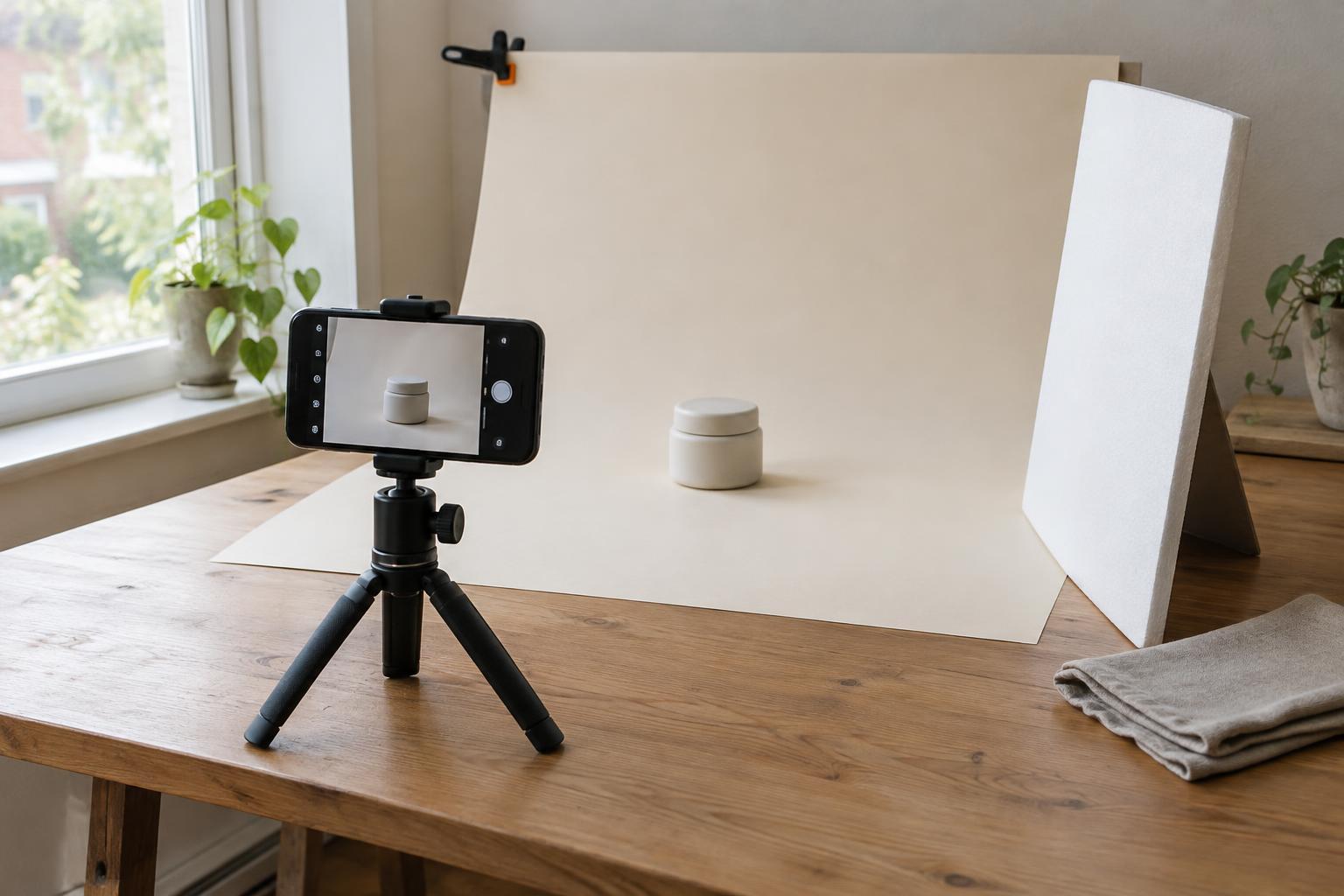
Check the side of the subject away from the window. If its shadow feels too dark for the image you want, place a white card, foam board or light-coloured wall opposite the window to bounce some light back. Move the surface closer for a more noticeable effect, then step it away if the image begins to look too flat. For a small product, an upright sheet of white paper may be enough to test the idea.
You can also deepen a shadow deliberately. A piece of dark card on the side away from the window can reduce the light reaching that side, making an object’s edges or surface texture easier to read. Keep such additions outside the frame, and check for unwanted reflections on glossy objects. You do not need to use both techniques: choose the one that supports the mood and clarity of the photograph.
Make a few reliable camera checks
Whether you use a phone or a camera, tap or focus on the part of the subject that matters most, such as the eyes in a portrait or the front edge of a product. Review a test image rather than trusting the preview alone. If a pale background or bright window draws attention away from the subject, change your angle or crop so less of it appears in the frame. If bright areas lose detail, lower the exposure a little and check the subject again.
Window light may change during a shoot, especially if clouds move or direct sun reaches the room. For a set of related images, try to keep the subject, camera and background in similar positions. Avoid mixing several room lights with the window light if their colours look noticeably different. Take a quick reference photo of the setup so you can rebuild it if you need to pause or photograph another item later.
Build a small, useful shot list
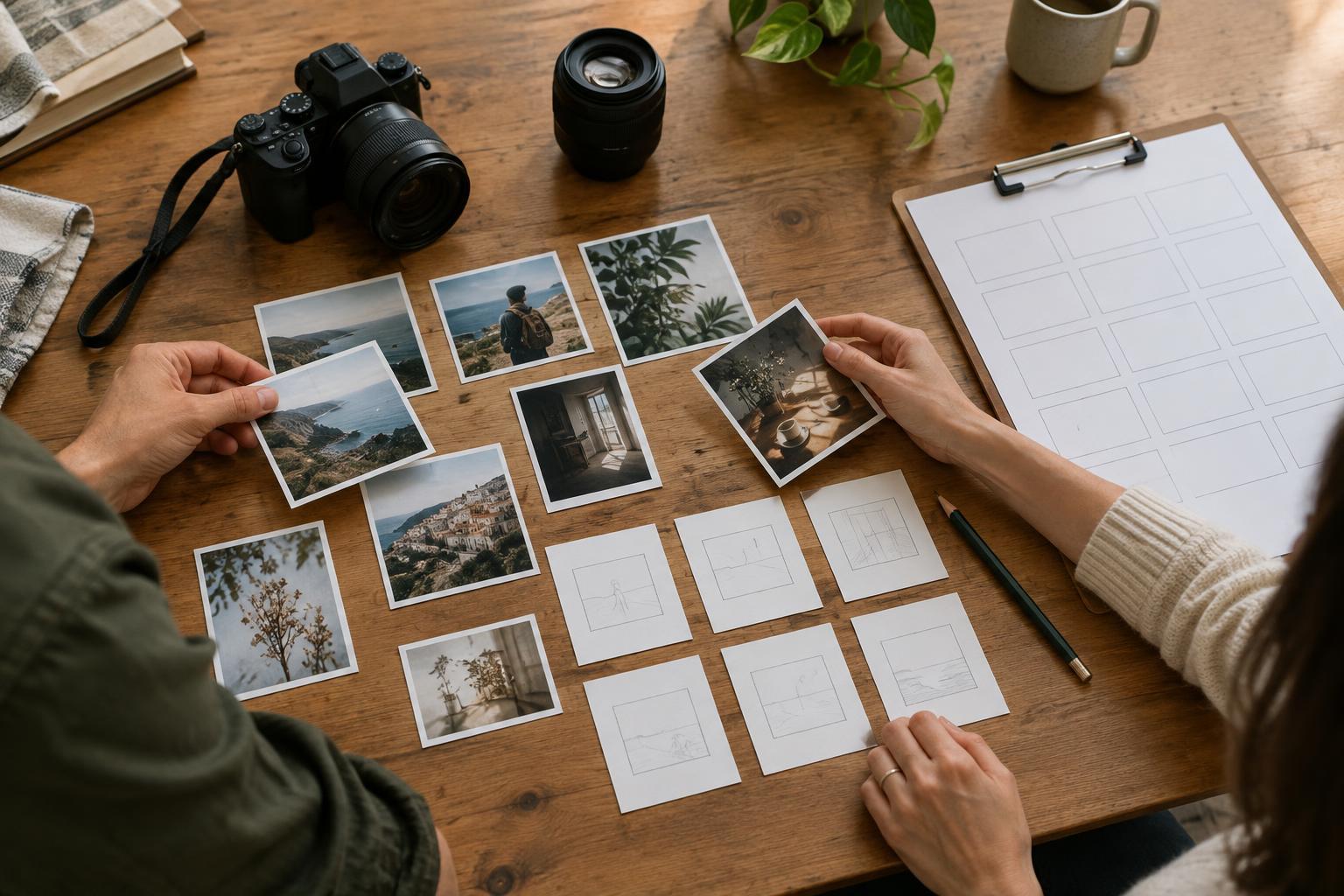
Once the light works, capture a short sequence instead of making many nearly identical frames. Start with a wider image that gives context, then make a closer view of the subject and one detail photograph. For a creative project, that might mean a finished object on a table, the object in someone’s hands and a close view of its material. This gives you options for a website, presentation or social post without requiring a new setup for every image.
Before packing away, compare the photographs as a group. Do the backgrounds, shadows and colours feel related? Is there space for text where you may need it? Note what you would keep or change next time. A simple window-light shoot becomes easier to repeat when you record the decisions that made it work, rather than trying to remember the exact position of every object.