Start with the job the images need to do
An image style is the set of choices that makes photographs, illustrations or other imagery feel connected. It includes what appears in an image, how it is framed, and how it is edited or presented. Defining it early can make content easier to select and create, even when different people contribute over time.
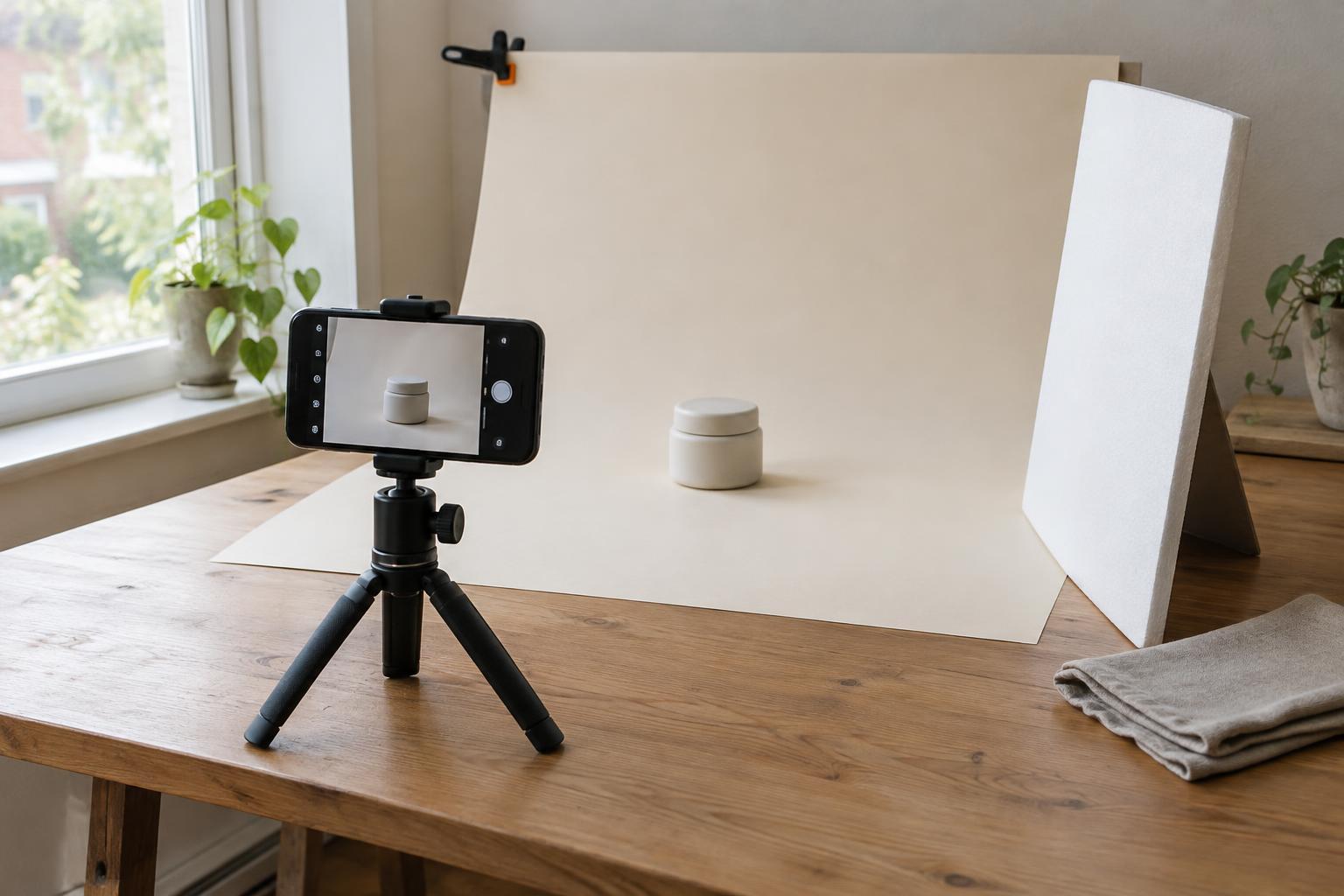
Begin with the identity’s purpose rather than a collection of attractive references. Where will images appear: on a website, in presentations, on packaging or in social posts? Who needs to understand them, and what should the images help that person notice or feel? A small studio showing its process may need candid images of people and materials. A product-led project may need clearer, more controlled views of objects. Neither approach is inherently better; each serves a different task.
Write a short brief before gathering examples. Complete this sentence: “Our images should help people see ______ by showing ______.” Add two or three qualities, such as direct, curious or calm. These words are starting points, not rules. The next steps will give them visible meaning.
Collect references, then identify the decisions behind them
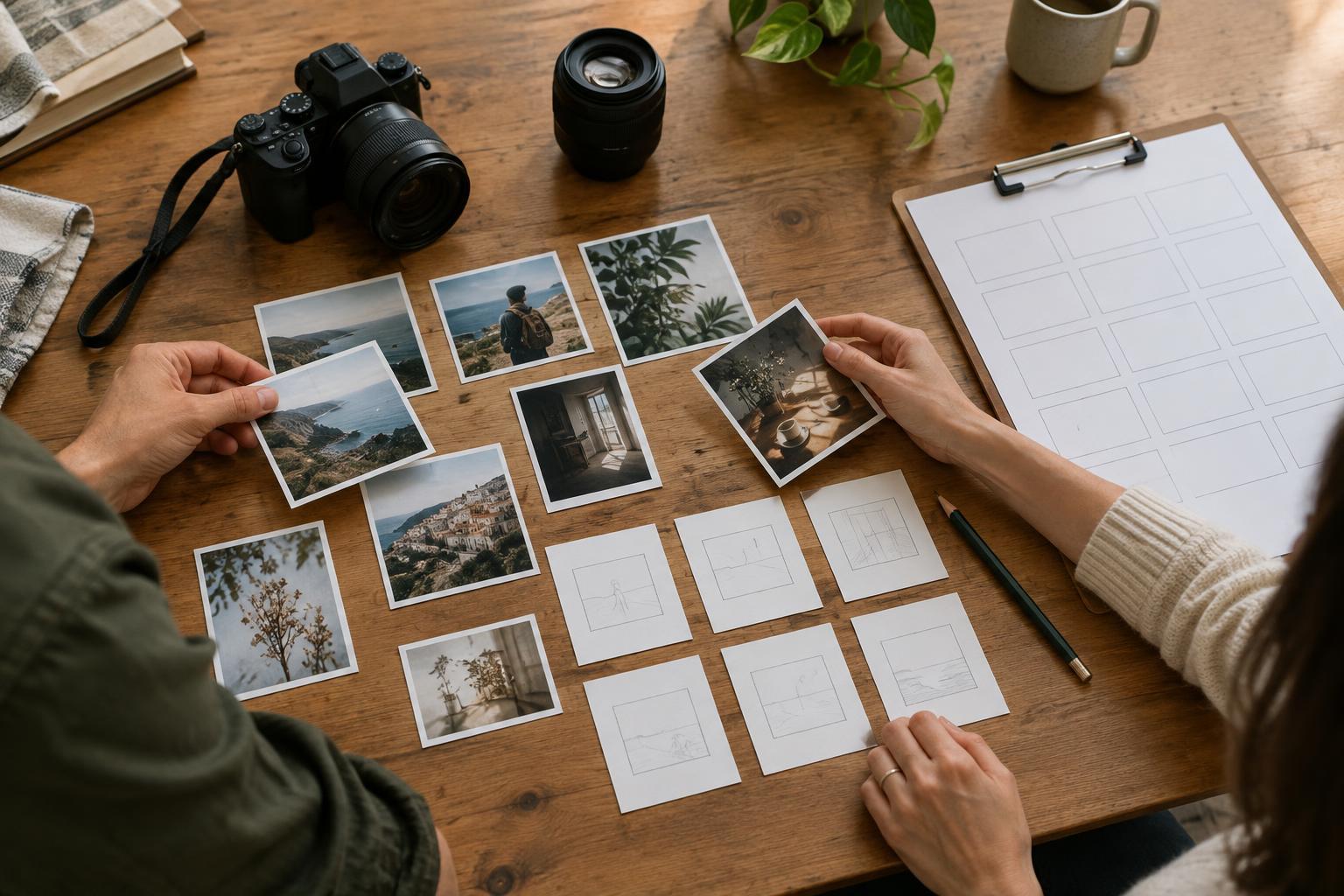
Gather a modest set of images that seem relevant, including examples you would not use. Look beyond your own field so that the collection does not simply repeat familiar conventions. If several people are involved, ask each person to bring a few examples and explain one specific choice in each: the distance from the subject, the use of daylight, the amount of background detail or the relationship between people and objects.
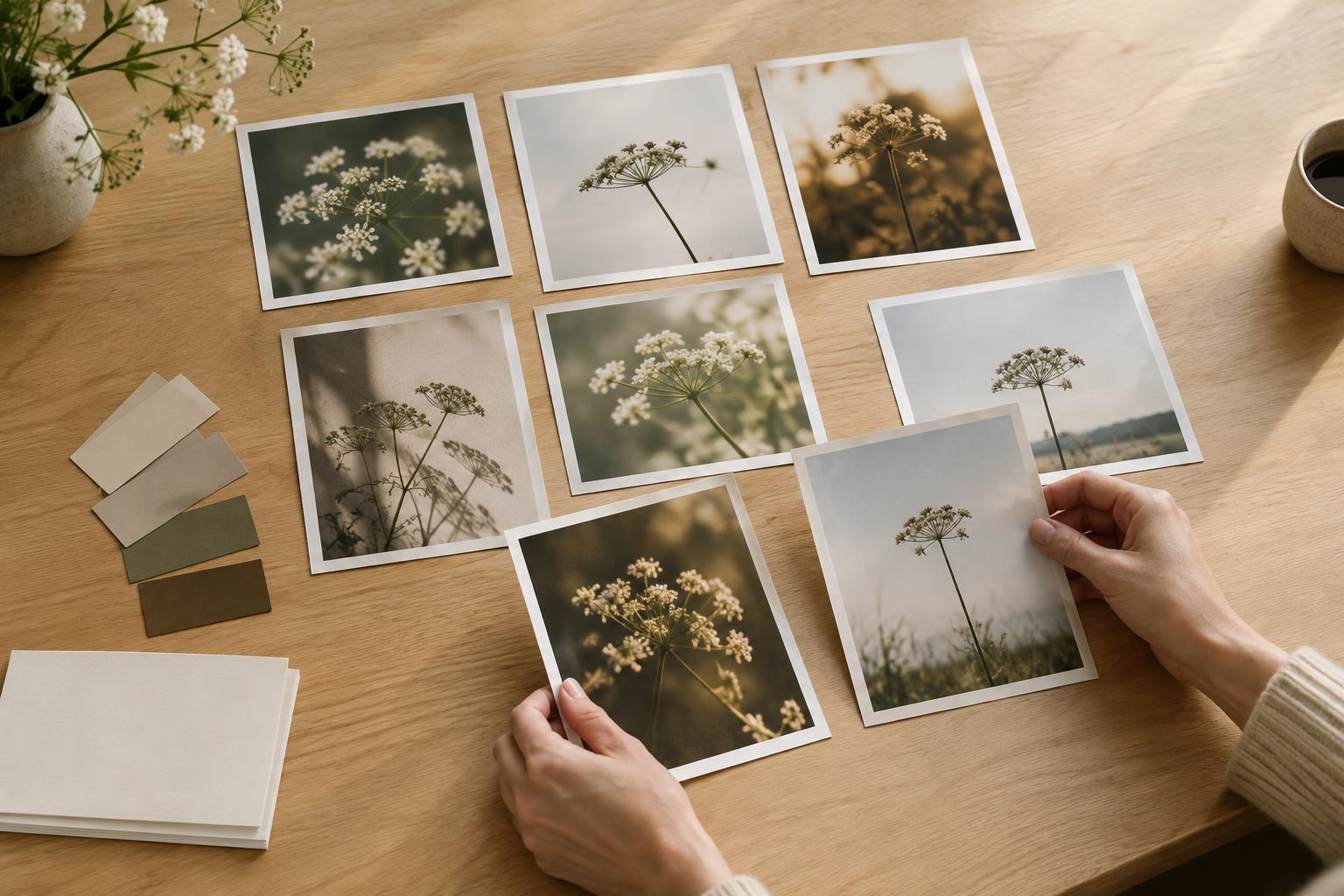
Sort the references by what they have in common, not by whether everyone likes them. You may find that apparently different images share a low camera angle or an emphasis on work in progress. You may also discover a conflict: one set feels spontaneous, while another relies on precise staging. Discuss which approach better supports the brief and where both might have a role.
Try describing each promising group in a single sentence without using broad labels such as “modern” or “authentic.” For example: “Subjects are shown in use, with enough surrounding space to explain where the work happens.” A sentence like this helps a future contributor make a decision; a mood word alone rarely does.
Turn the direction into a small set of visual rules
A useful image style covers both subject matter and treatment. Decide what should usually be shown: finished outcomes, tools, people, details, environments or stages of making. Then define how those subjects should appear. Consider framing, perspective, light, colour, contrast, backgrounds and the amount of retouching. If illustration is part of the identity, specify its shapes, level of detail and relationship to photography.
Keep the rules selective. Three to five strong principles are often easier to apply than a long list of preferences. A principle might read, “Show hands and materials together to make the process legible,” or “Leave uncluttered space near the subject when an image will carry text.” Pair each principle with a reason so that it can be adapted rather than followed mechanically.
Include a few clear exclusions. “Avoid heavy colour filters that change the appearance of materials” is more useful than “Keep it natural.” Exclusions should prevent a recognizable mismatch without ruling out good images merely because they differ from the first references you collected.
Test the style in the places it will appear
A reference board can look coherent while failing in use. Test the proposed style with actual or representative content: a homepage image, a small thumbnail, a presentation slide and a post featuring text. Use both strong and ordinary source images. This reveals whether the direction works only when ideal photographs are available.
Check what happens when images are cropped, placed beside type or viewed at a small size. Does the subject remain clear? Is there enough contrast for any text placed over the image? Can the style accommodate different people, spaces and kinds of work without forcing them into the same composition? If a rule causes repeated problems, revise it before it becomes part of the identity.
A simple exercise is to give two people the same set of candidate images and the draft rules. Ask each to choose three images for one application and explain their choices. If their selections differ greatly, find out whether the rules need clearer examples or whether the application needs its own guidance.
Document choices so others can use them
Finish with a short, practical image guide. Include the purpose of the style, its core principles, a few approved examples and a few examples that miss the mark. Annotate the examples with observable reasons: “The subject is visible at thumbnail size” is more helpful than “This feels right.” If you use colour adjustments or recurring crops, show what they do without implying every image needs identical editing.
Also describe how to handle exceptions. An event photograph, a client-supplied image or an archival picture may not match the usual approach. The guide can explain which elements matter most in those cases, such as choosing a compatible crop or placing the image within a consistent layout. That makes the identity flexible enough for real work.
Treat the guide as a decision tool, not a promise that every image will look the same. When new content consistently falls outside its rules, revisit the brief and examples. A strong image style gives a team a shared way to judge what fits while leaving room for new subjects and ideas.