Start with the identity, not the font menu
A typeface can make the same words feel restrained, energetic, familiar or formal. That makes typography an important part of a visual identity, but it does not mean every brand needs an unusual font. The better question is: what should the type help people understand and do? A community workshop might need to feel welcoming and easy to navigate. A specialist studio might need to make detailed information feel orderly without losing its personality.
Before browsing typefaces, write a short brief in plain language. Name three qualities the identity should convey, the people who will read it and the places where the type will appear. Then translate each quality into something you can inspect. If the identity should feel approachable, for example, ask whether headings look inviting and whether instructions remain easy to read. This gives your team a shared basis for judging options beyond personal taste.
Look for a useful range of expression
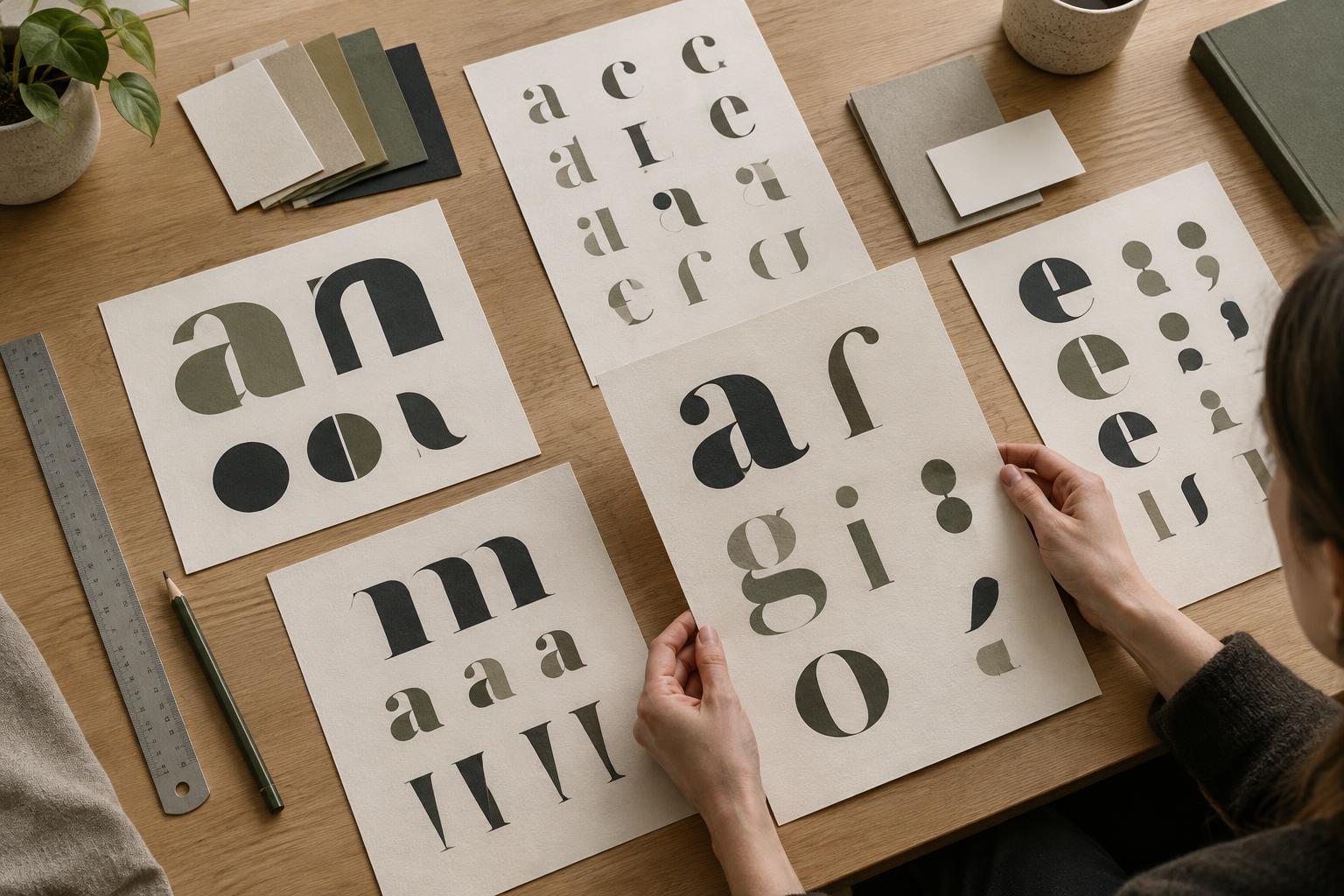
Start with a small group of candidates rather than collecting dozens of fonts. Compare them using the same words, sizes and layout. Include a short headline, a sentence of body copy, a number, a date and a call to action. These samples reveal differences that a single wordmark cannot: how a typeface handles longer text, how clearly its characters differ and whether its tone changes when it is set small.
Consider the range within each type family. Several weights can help you establish hierarchy without adding another typeface, while italics or distinct styles may be useful for captions and emphasis. Check the characters your content needs, including punctuation, symbols and any relevant languages. A typeface that looks appealing in a mockup may be a poor fit if it lacks the characters your team regularly uses.
Build a hierarchy before adding a second typeface
A visual identity needs more than a good heading. Readers must be able to distinguish titles, subheadings, body text, captions and functional labels. Try making a one-page specimen with all five levels. Adjust size, weight and spacing before changing fonts. If those tools create a clear hierarchy, one versatile family may be enough. Fewer choices can make an identity easier for a small team to apply consistently.
If you do pair typefaces, give each a job. One might bring character to short headlines while another supports comfortable reading in paragraphs and interface text. Test the pair together on an actual page rather than viewing isolated samples. Look for a productive contrast in form or tone, but keep enough common ground that the two feel related. If both typefaces compete for attention, simplify the pairing or reduce the number of styles in use.
Test typography in the places it will live
A typeface should work across the identity’s everyday applications, not only in a presentation slide. Set the same content in a narrow mobile layout, a simple social graphic, a printed handout and any other format your team regularly makes. Include realistic copy, especially long titles and awkward line breaks. A font that looks balanced in a large poster headline may become cramped in a menu or hard to distinguish at caption size.
Ask a few colleagues to complete a specific reading task with the samples, such as finding an event time or scanning a list of services. Notice where they hesitate and whether the hierarchy guides them as intended. Also check practical constraints before committing: available font files, permitted uses under the license and whether collaborators can access the typeface in their usual tools. These checks protect the identity from becoming difficult to maintain.
Turn the choice into a repeatable system
Once you have a promising direction, document decisions rather than just naming fonts. Record which family and styles to use for each text role, along with sample sizes, spacing and examples of good line lengths where relevant. Keep the guide short enough that someone can use it while making a page or graphic. Include an example of what to do when a format does not support the preferred font.
Treat the first set of applications as a final check, not a test of whether everyone likes the typeface. Ask whether people can read it, recognize the intended character and reproduce the hierarchy without constant interpretation. If one setting repeatedly causes trouble, revise that rule before replacing the entire type system. A well-chosen typeface suits a visual identity because it expresses the idea and helps the team communicate it reliably.