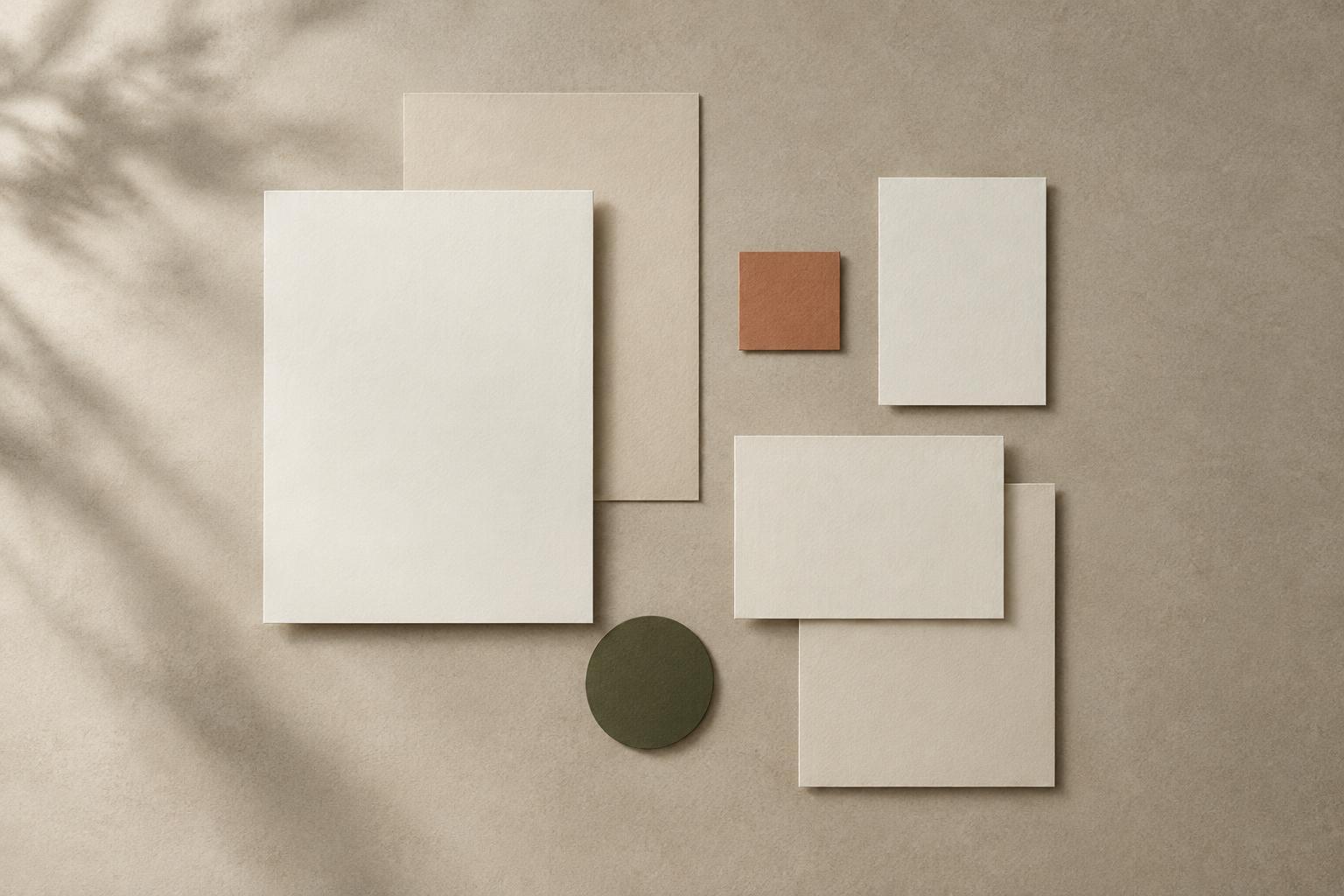
Space gives a brand its pace
Imagine two posters with the same typeface, colours, image and words. On one, the headline sits close to the image and the details fill most of the page. On the other, a broad margin frames the content and each element has room around it. Neither is automatically better, but they will probably feel different. The first may seem energetic or urgent; the second may feel measured or reflective. Spacing helps set the pace at which someone encounters an identity.
Whitespace does not have to be white. It is any area intentionally left free of competing content, whether it is a coloured background, a clear portion of a photograph or the gap between lines of text. Its job is not simply to make a design look minimal. It can separate ideas, draw attention to a detail or give a composition a sense of ease. A busy identity can use whitespace just as deliberately as a restrained one.
Decide what belongs together
Gaps tell viewers which elements form a group. If a short description sits close to a headline but far from the next image, it reads as part of the headline. Move it closer to the image and that relationship can change. This is why spacing should be considered alongside copy and imagery, rather than applied as a final tidy-up.
To examine this in an existing design, temporarily remove the colours and decorative details. Look at a page, post or slide as blocks of content. Can you tell where one thought ends and another begins? Is the most important message easy to find? If everything is equally far apart, the layout may feel disconnected; if everything is equally close, the hierarchy may disappear. Adjust the gaps to reflect the relationships you want a viewer to understand.
A useful exercise is to make three versions of one layout without changing its content or type sizes. In the first, use compact gaps; in the second, moderate gaps; in the third, generous gaps. Compare which version best supports the message. A lively event announcement might benefit from a tighter arrangement, while a portfolio introduction might call for more space around a single image. Treat those as possibilities to test, not fixed rules for either kind of project.
Build a rhythm that can travel
A visual identity needs to work beyond one polished mock-up. A spacing system makes it easier to carry the same character across a website, presentation, social graphic or printed piece. Start with a small unit that suits the scale of the work, then use a limited set of related gap sizes. For example, small gaps can connect a label to a heading, medium gaps can separate groups of information, and large gaps can mark a change of section.
Consistency does not mean using the same measurement everywhere. A narrow mobile screen and a wide presentation slide have different demands. What should remain recognisable is the relationship between spaces: tight within a group, more open between groups, and deliberate around the edges. Record these relationships in plain language as well as dimensions. A note such as “captions stay close to their images” may be more useful to a team than a number with no explanation.
Alignment also contributes to rhythm. When headings, image edges and text columns share a clear line, the spaces between them become easier to read. Deliberate exceptions can create emphasis, but repeated near-misses may make an identity feel unsettled. Before adding another visual device, check whether a stronger margin or a cleaner alignment would do the work.
Choose density for the message and the setting
Generous whitespace is sometimes associated with calm or refinement, but it can also make practical information harder to find if content is spread across too many surfaces. Compact spacing can create momentum, yet it can become tiring when every element asks for attention at once. Consider what a person needs to do: scan a schedule, appreciate an image, compare options or read a longer explanation. The task should influence how much space each element receives.
Also consider where the identity will appear. A small social graphic has less room than a printed poster; a workshop handout may need space for notes; a slide viewed from a distance needs clear separation between key ideas. Make sample applications with realistic amounts of text, including a longer headline or an awkwardly shaped image. A spacing approach that only works with ideal content is not yet a dependable system.
Test the feeling, then document the decisions
Before settling on a direction, ask a few people to describe the impression made by two spacing variations without telling them what you changed. Listen for differences in words such as focused, crowded, welcoming or formal. Their responses will not give you a universal answer, but they can reveal whether the intended character comes through. Ask what they noticed first as well; the answer may expose a hierarchy problem rather than a matter of taste.
Once the approach works, save a small set of examples: a headline with supporting copy, an image with a caption, a dense information block and a layout with ample open space. Note where gaps stay consistent and where they can flex. This gives collaborators a method to follow rather than a collection of isolated measurements. The goal is not to fill every empty area or preserve space for its own sake. It is to make each gap help the identity communicate.