Decide what the viewer should notice first
Before changing a camera setting, finish this sentence: “The important part of this picture is…” It might be a person’s eyes, the lettering on a package, or the hands demonstrating a process. Your answer gives you a place to focus. It also helps you decide whether the background should provide readable context or fade into a softer supporting role.
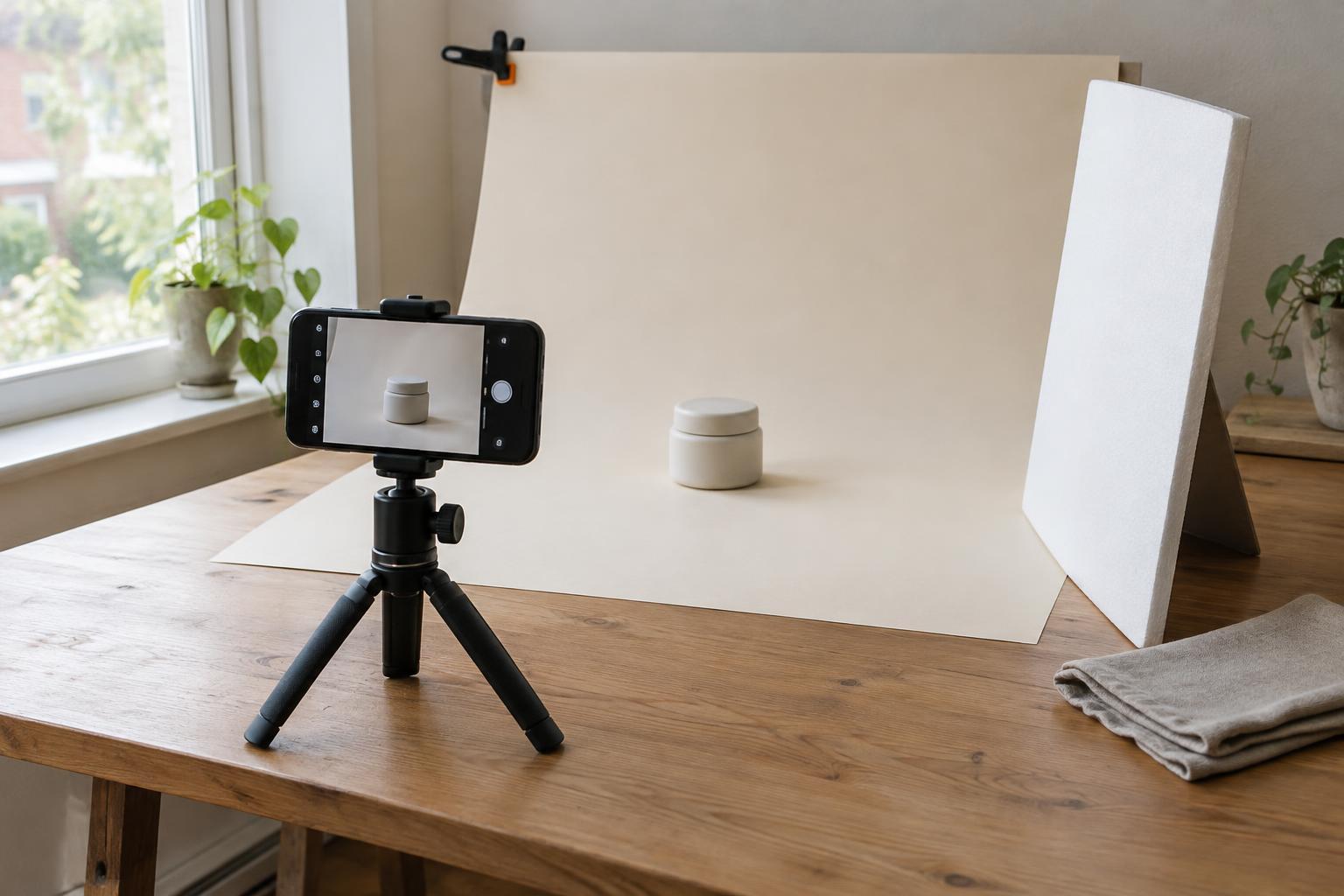
Focus and composition work together. A sharp detail can still get lost if it is tiny in the frame or surrounded by distracting objects. Look around the subject’s edges, move anything you can, and consider a different camera position. For a product photograph, for example, you might keep the label sharp while leaving enough of the workspace visible to show how the product is used. For a portrait, you might make the nearest eye the clearest point and let the setting remain recognizable without competing for attention.
Place focus where it matters
Most cameras and phones can choose a focus area automatically, but they may select the nearest object or a prominent face rather than your intended subject. If your camera allows it, select a single focus point or a small focus area and place it over the detail you want sharp. On a phone, tapping the subject on the screen often gives you more control than accepting the default selection. Check the result at a larger viewing size when possible; a photograph can look sharp on a small screen even when its key detail is not.
For a still subject, you can focus and then refine the composition. Be cautious about moving the camera substantially after focusing, especially when working close to the subject with a blurred background: that movement can shift the important detail out of the sharp zone. For moving subjects, a continuous autofocus mode or subject tracking may help, but it is still worth checking which part the camera is following. Take a short series if the moment matters, then inspect the images rather than assuming the focus held.
Understand what changes depth of field
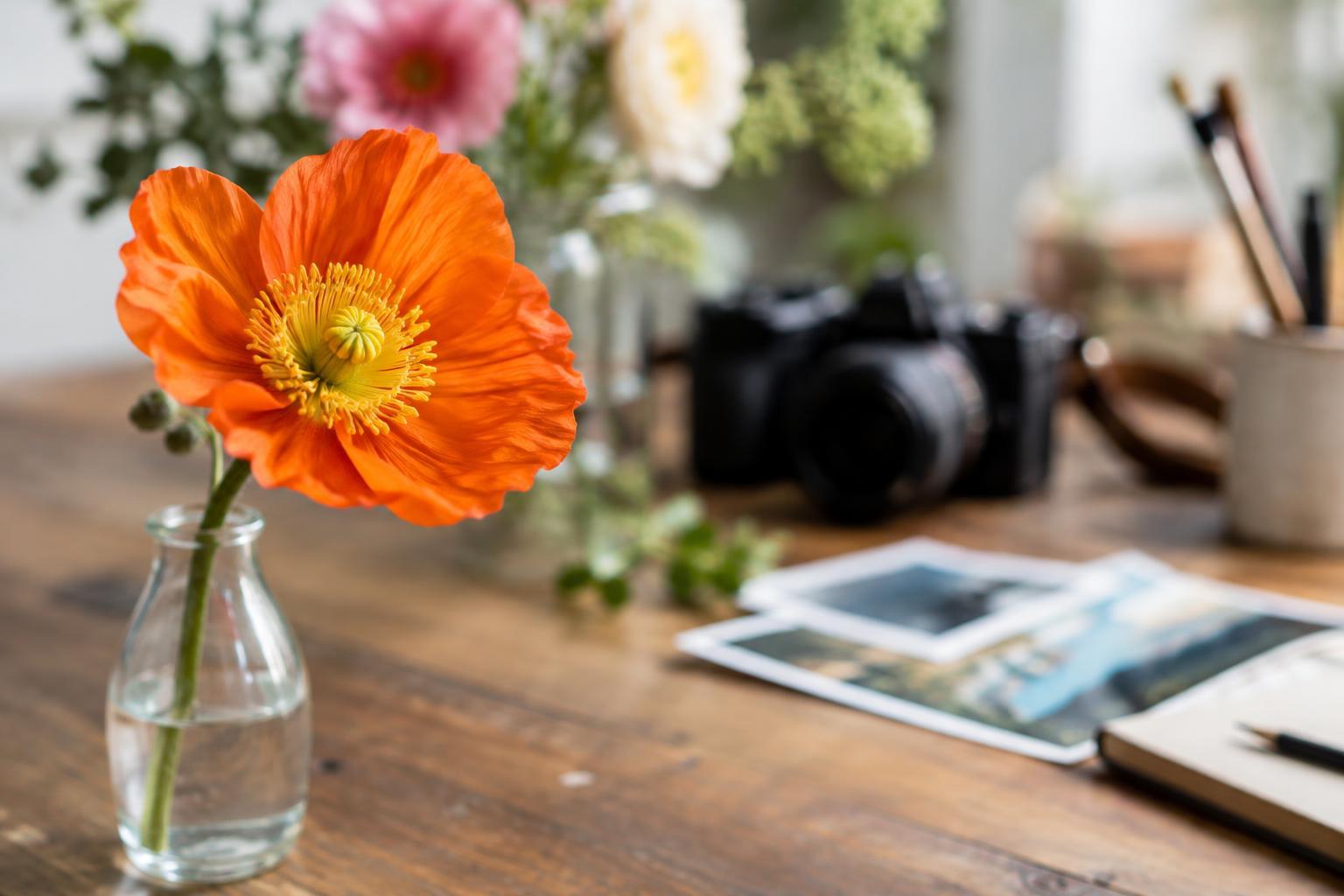
Depth of field is the range of distances that appear acceptably sharp in a photograph. A shallow depth of field keeps a relatively narrow range sharp and softens areas in front of and behind it. A deeper depth of field makes more of the scene appear sharp. Neither is automatically better: a soft background can direct attention to a small object, while a sharp environment can explain where an activity takes place.
A wider aperture, shown by a smaller f-number such as f/2.8, generally produces a shallower depth of field than a narrower aperture such as f/8, with other conditions held similar. Moving closer to your subject also makes the sharp zone narrower; increasing the distance tends to make it deeper. Focal length, sensor size and how you frame the subject can affect the look as well, so avoid treating any one setting as a guaranteed recipe. On a phone, a portrait or background-blur mode may simulate a shallow-depth-of-field effect. Inspect fine edges, such as hair or transparent objects, because the simulated blur may not always follow them convincingly.
Choose settings for the job, not the effect alone
If you want one detail to stand apart, start by separating the subject from the background. Move the subject forward, change your angle, or choose a less busy background. Then, if your camera offers aperture control, try a wider aperture and focus precisely on the detail that matters. Background distance often makes a visible difference: a wall directly behind a person will usually remain more distinct than a distant one.
If several items must be legible, give yourself a deeper sharp zone. Step back a little, use a narrower aperture if available, and keep important objects at similar distances from the camera. For a small object photographed close up, even a narrow aperture may not make its front and back equally sharp. You can try a side-on angle that puts key details at a similar distance, rather than relying on settings alone. Remember that narrowing the aperture reduces the light reaching the camera; in dim conditions, a steady camera position or additional light may help avoid blur from movement.
Run a simple focus test before the final shot
Set up a subject with something visible behind it, such as a notebook on a table with shelves in the background. Make three versions without changing the overall composition: focus on the notebook, focus on the shelves, and then focus on the notebook again while changing the aperture or, on a phone, trying an available blur mode. Compare the images at the same size. Notice not just which is sharp, but which makes the purpose of the photograph easiest to understand.
For an actual project, use the same check before making a full set of images. Ask what viewers need to identify, read or feel, then choose focus and background detail accordingly. Review a test shot for sharpness at the chosen point, unwanted distractions and motion blur. Those checks turn focus from an automatic camera decision into a repeatable creative choice.