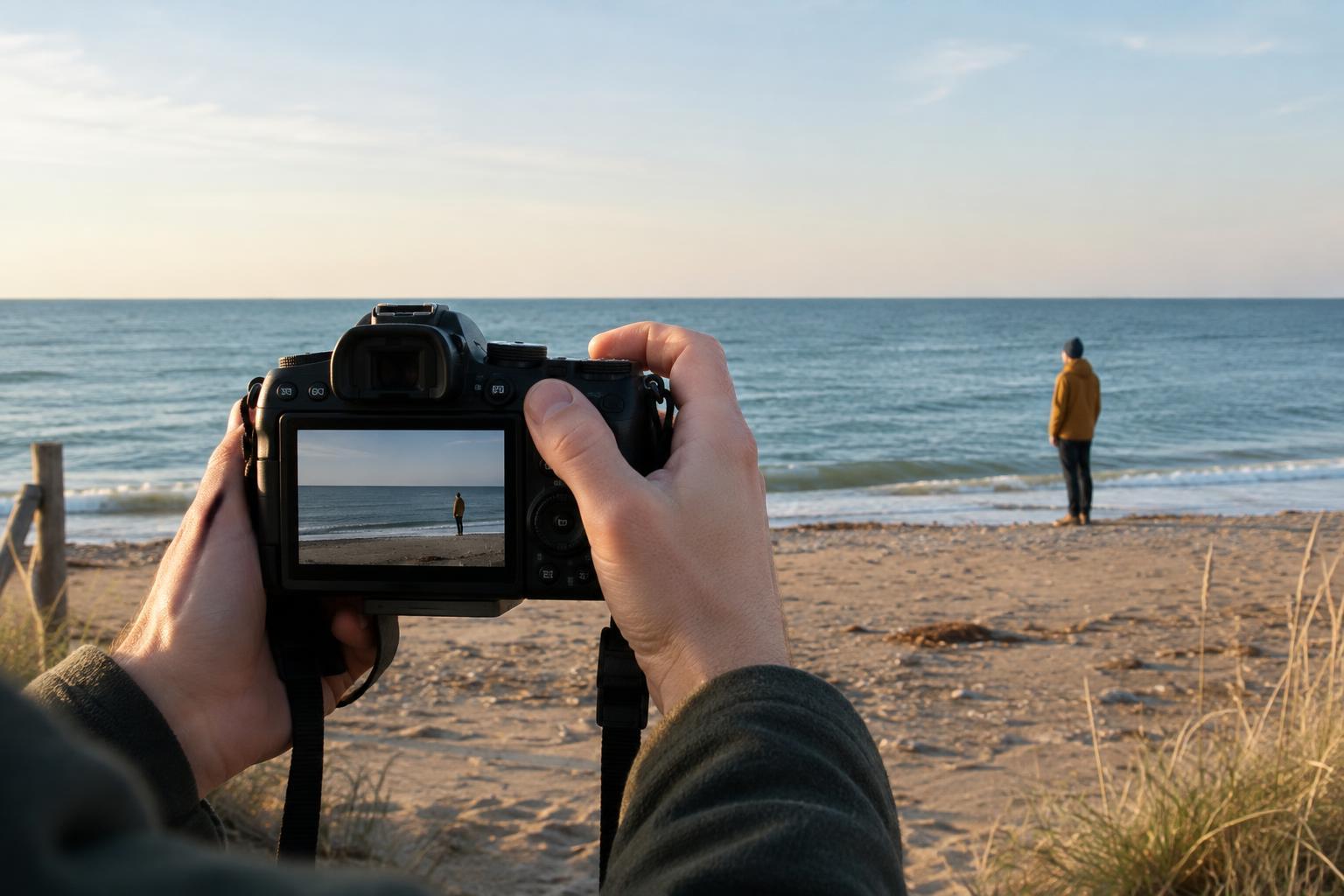
Start by finding the point of the picture
A useful composition makes it reasonably easy to see what matters. That does not mean every photograph needs a plain background or a perfectly centered subject. It means the elements in the frame should help the viewer understand where to look. Before taking a picture, name its main subject in a few words: a maker’s hands at work, a product’s shape, or two people exchanging ideas. Then check whether anything else is competing for attention.
Cluttered backgrounds, tilted horizons and cut-off subjects are easy to miss because attention tends to stay on the subject while shooting. A short pause to inspect the edges and background often improves the frame more than changing equipment or camera settings. These checks are especially useful when making content for a website or project presentation, where the image may later appear at several sizes.
Give the background a job
A busy background becomes a problem when its shapes, colors or bright areas pull attention away from the subject. A sign behind someone’s head, a cable crossing a product, or a light patch at the edge of a portrait can all create confusion. The background does not have to disappear; it can provide context. Tools on a workbench, for example, may tell a useful story about a process, provided they do not obscure the action you want to show.
Before pressing the shutter, scan behind the subject and around all four edges of the frame. If something distracts, try moving a step left or right, changing your height, or asking the subject to shift slightly. These small changes can separate overlapping shapes without rearranging the whole scene. You can also move closer to exclude unnecessary details, but check that you still retain enough context for the image to make sense.
For a simple exercise, photograph the same subject three ways: with the background as you found it, from a different position, and with a tighter frame. Compare which version communicates the intended idea most clearly. The best choice may not be the emptiest one.
Check the horizon and other visual anchors
A tilted horizon can make a landscape or room feel unsteady when the tilt appears accidental. The same applies to a prominent shelf, tabletop or wall line. If one of these lines gives the picture its structure, check it before shooting. Many cameras and phones offer an optional grid or level display, but you can also compare the line with the edges of the screen.
Take care not to treat every sloping line as an error. A road receding into the distance or a table photographed from an angle will not necessarily look horizontal. In interiors, even straightening one edge may leave others looking slanted because of the camera position. Decide which line should feel stable, then adjust your position or framing around it. If you intend to tilt the camera for energy, make that choice clear enough to look deliberate rather than nearly level.
Straightening in an editor can help, but it usually trims a little from the edges. Leave some space around important details when shooting if you expect to make that adjustment later.
Make cuts around the subject intentional
Cut-off subjects are most distracting when the frame seems undecided. A hand clipped at the fingertips, a chair missing one leg, or the top of a product just touching the border can look like an oversight. Before taking the photograph, inspect every place where the subject meets an edge. Either include the whole form with a little breathing room or crop decisively to focus on a meaningful detail.
For people, watch where the frame crosses arms and legs and whether a gesture remains understandable. For objects, consider whether removing part of the outline makes the shape harder to recognize. A close-up of a camera dial can work well without showing the whole camera because the detail is the subject. A wider photograph that cuts off the dial by a fraction may simply look cramped.
If the image will be used in a banner, thumbnail or social post, allow extra space for those formats. Keep key faces, hands or product features away from the outermost edges so later crops do not remove them by accident.
Use a quick review before moving on
Build a repeatable three-part check into your process: look behind the subject, find the main level line, and inspect the edges. Take a test frame, review it at a size large enough to notice awkward overlaps, and make one adjustment at a time. This helps you see which change improved the photograph rather than guessing at several changes together.
When editing, start with the same priorities. Straighten if needed, crop to remove distractions, and compare the result with the original. If a tighter crop weakens the sense of place or removes a useful gesture, keep more of the frame. Good composition is not a set of rigid rules; it is a way of making the viewer’s path through an image feel considered.