Start with messages, not a calendar full of pictures
Before booking a shoot, write down what your audience should understand about your work this month. A small design studio might want to show how a project begins, what a finished piece looks like and who contributed to it. Those are three distinct messages, but they do not necessarily require three separate shoots. A planning session, a workspace visit and a final-product session could provide enough material for several weeks.
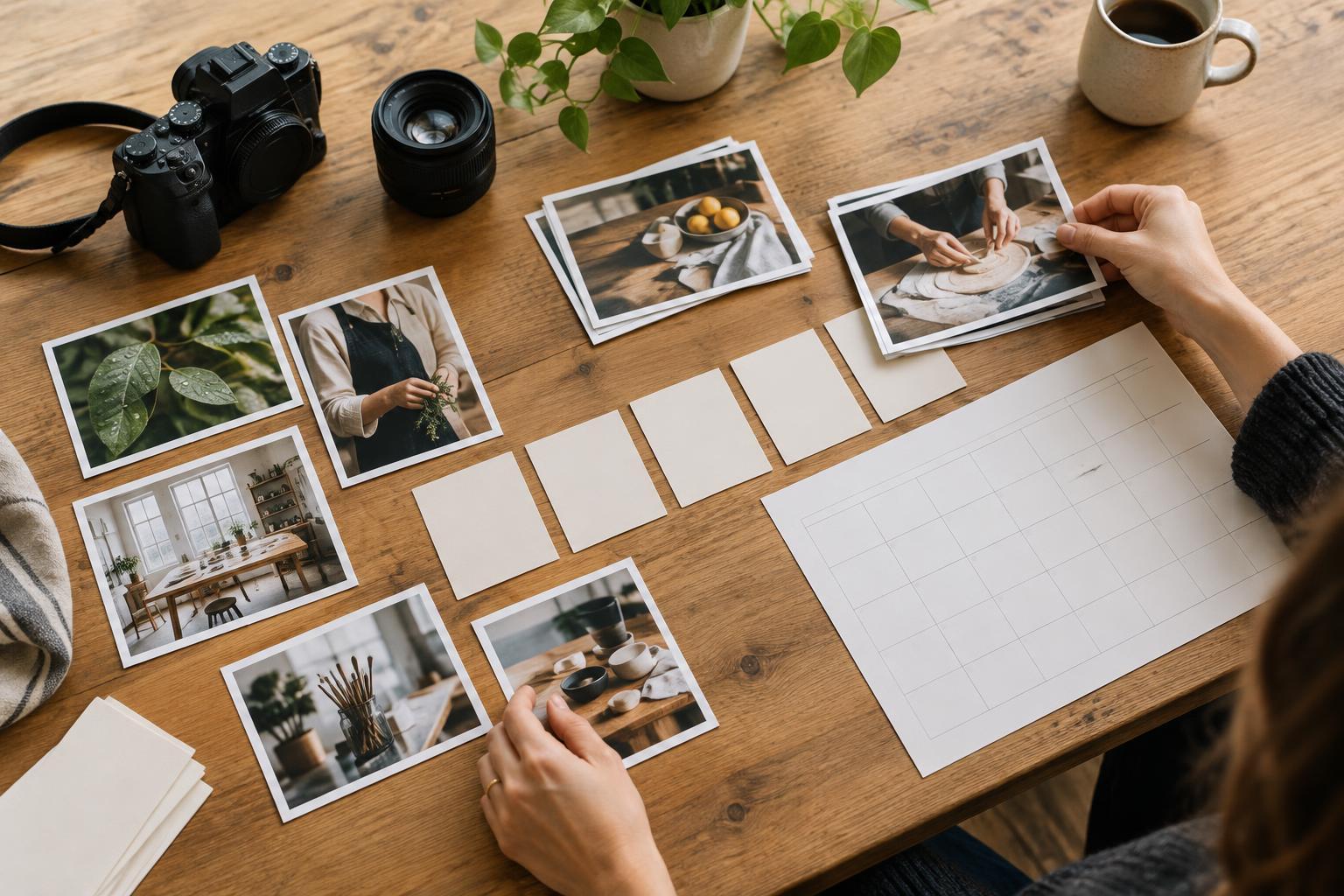
Make a simple four-week grid with one main message per week. Under each message, note where an image will be used: a website update, a social post, an email or a project presentation. This reveals which photographs need room for text, which need to show detail and which must make sense without a long caption. Leave a few spaces unassigned so the plan can accommodate work that changes.
Design each shoot around a useful set of image types
For each shoot, build a short list of image types rather than a list of nearly identical frames. Include a wide scene that establishes context, a medium view of the activity or object, close details and at least one image with uncluttered space for a headline. If people are part of the story, photograph both interaction and individual work. Capture horizontal and vertical compositions where practical instead of assuming every platform will use the same crop.
For example, during a packaging shoot, a small team could photograph the finished object on its own, someone opening it, a close view of a material choice and the packaging in the workspace where it was developed. Each image supports a different point: appearance, use, craft or process. A short shot list keeps the session purposeful while leaving room for an unexpected moment that tells the story better.
Group work by location, light and preparation
A manageable month might use two planned shoots and one brief pickup session. Group photographs that need the same setting, people or lighting so you do not repeatedly set up the same scene. Prepare surfaces, props, products and any work-in-progress examples beforehand. Assign someone to check the shot list while the photographer concentrates on making images. This is especially helpful when a small team is both running and appearing in the shoot.
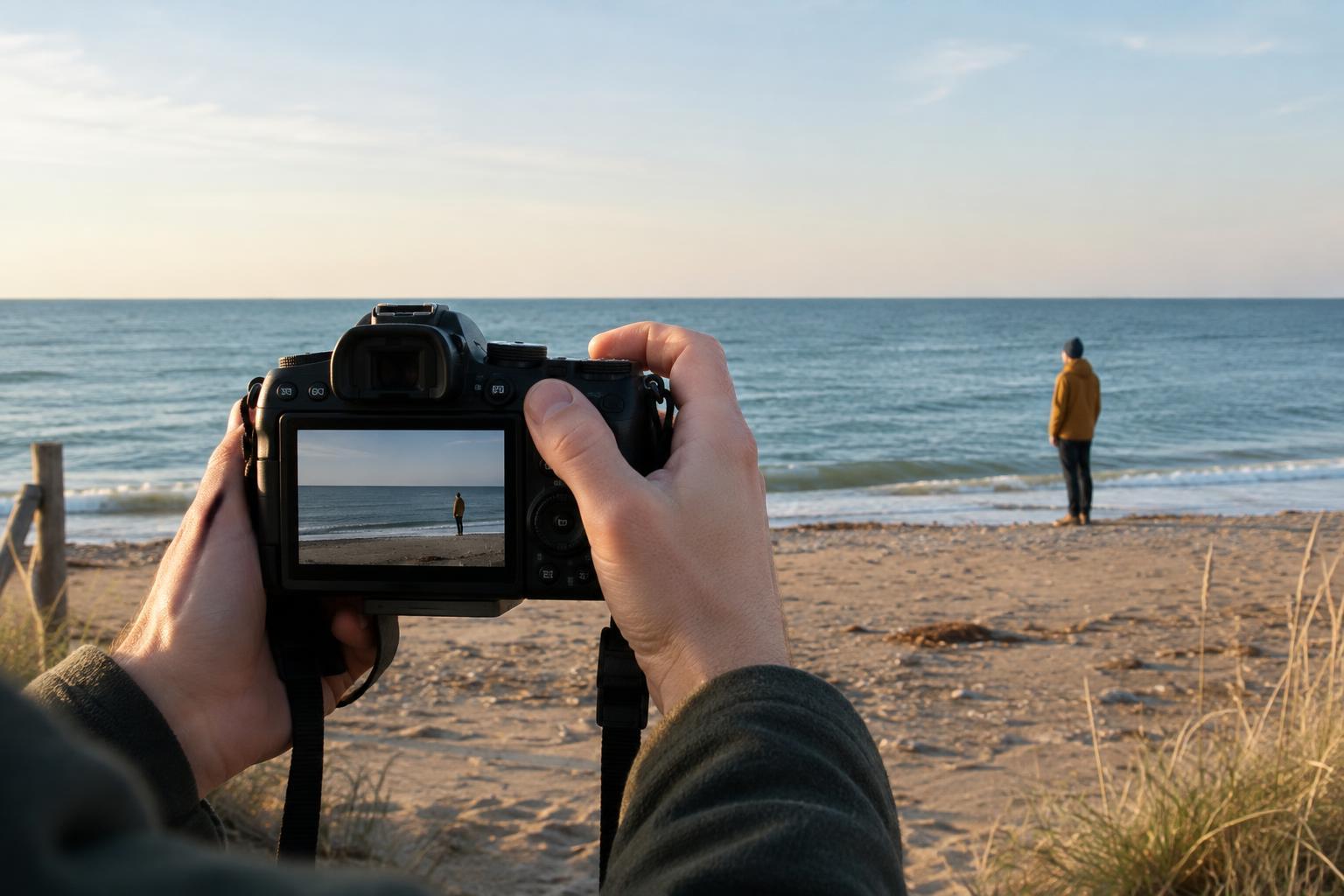
Build in time to review a few frames on location. Check whether the intended subject is clear, whether backgrounds are distracting and whether a vertical crop will still work. If a planned image depends on a particular person or object, capture it early. Agree in advance how images of people and shared projects may be used, and avoid photographing confidential material that should not appear in the background.
Select for variety, then connect images to captions
After the shoots, make a first pass to remove blurred images, duplicates and frames that do not communicate a clear idea. From the remaining photographs, choose a small set that varies in distance, subject and mood. Ten strong images that tell different parts of a story are usually more useful than dozens of near-identical views. Keep a few alternatives for different crops or for posts whose wording changes.
Give each selected image a working caption before placing it on the calendar. The caption can explain what the viewer is seeing, why a detail matters or what happened just outside the frame. If several images only support the same caption, you may not need to publish them all. If a planned message has no convincing image, change the message, use a different format or add that specific need to the pickup list.
Publish in a rhythm you can maintain
Spread related images across the month instead of posting every result from one shoot at once. A wide project view might introduce the work in week one; a process detail could explain a decision in week two; an image of the finished piece in use could close the story later. Varying the angle gives people a reason to revisit the project without pretending that each post is a separate announcement.
Keep your planning grid, selected files and caption notes together in a shared folder or document. Use clear filenames and record any crop or usage restrictions so another team member can find the right version. At the end of the month, note which image types were easiest to use and which you wished you had captured. Turn those observations into a shorter, better shot list for the next round.