Start with attributes that can guide a decision
A brand attribute is a quality you want people to recognise in an organisation or project. Words such as approachable, careful or inventive can be useful starting points, but they are not design directions on their own. A friendly identity might use rounded lettering, candid photographs or generous space between elements. The right choice depends on whom the brand serves and where the identity appears.
Begin by choosing three or four attributes, rather than a long list of desirable qualities. For each one, write a sentence explaining what it means in this particular context. “Approachable” might mean that a first-time visitor can understand the service without specialist language. “Precise” might mean that instructions and measurements must be easy to find. These definitions give you something more specific to design for.
Check the words for tension. If a team wants to look both playful and dependable, ask where each quality matters most. Playfulness might shape illustrations and small details, while dependable structure governs navigation and information hierarchy. You do not have to give every attribute equal weight in every application.
Build a bridge from words to visual possibilities
Make a simple working table with an attribute in one column, what a viewer should notice in another, and possible design choices in a third. This prevents a jump from an abstract word straight to a favourite colour or typeface. For “clear,” the desired impression might be “I can tell what to do next.” Possible choices include descriptive headings, strong text contrast and a consistent position for calls to action.
Try this exercise with a fictional neighbourhood repair studio. Its chosen attributes are capable, welcoming and resourceful. “Capable” could lead to legible labels and orderly diagrams. “Welcoming” might suggest photographs showing people using the space and language that explains unfamiliar tools. “Resourceful” could appear in a flexible system of reusable shapes inspired by parts and materials. These are hypotheses, not rules: each choice still needs to work for the studio’s audience and materials.
For every proposed choice, ask what else it might communicate. A highly technical grid could convey competence but feel inaccessible. A loose, handmade style could feel inviting but make safety instructions harder to scan. Noticing these trade-offs early helps you refine the idea before building a full identity around it.
Turn possibilities into a connected visual system
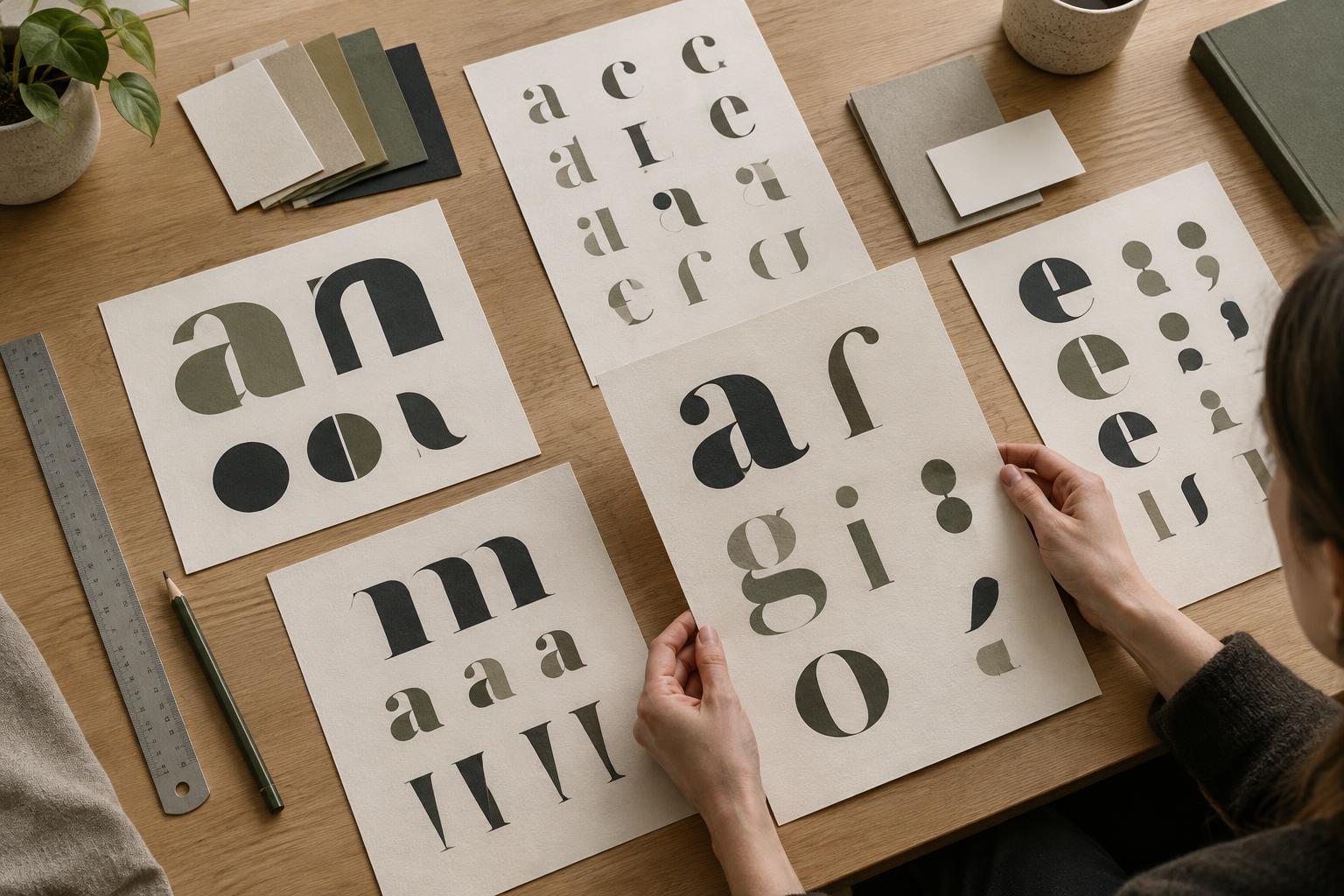
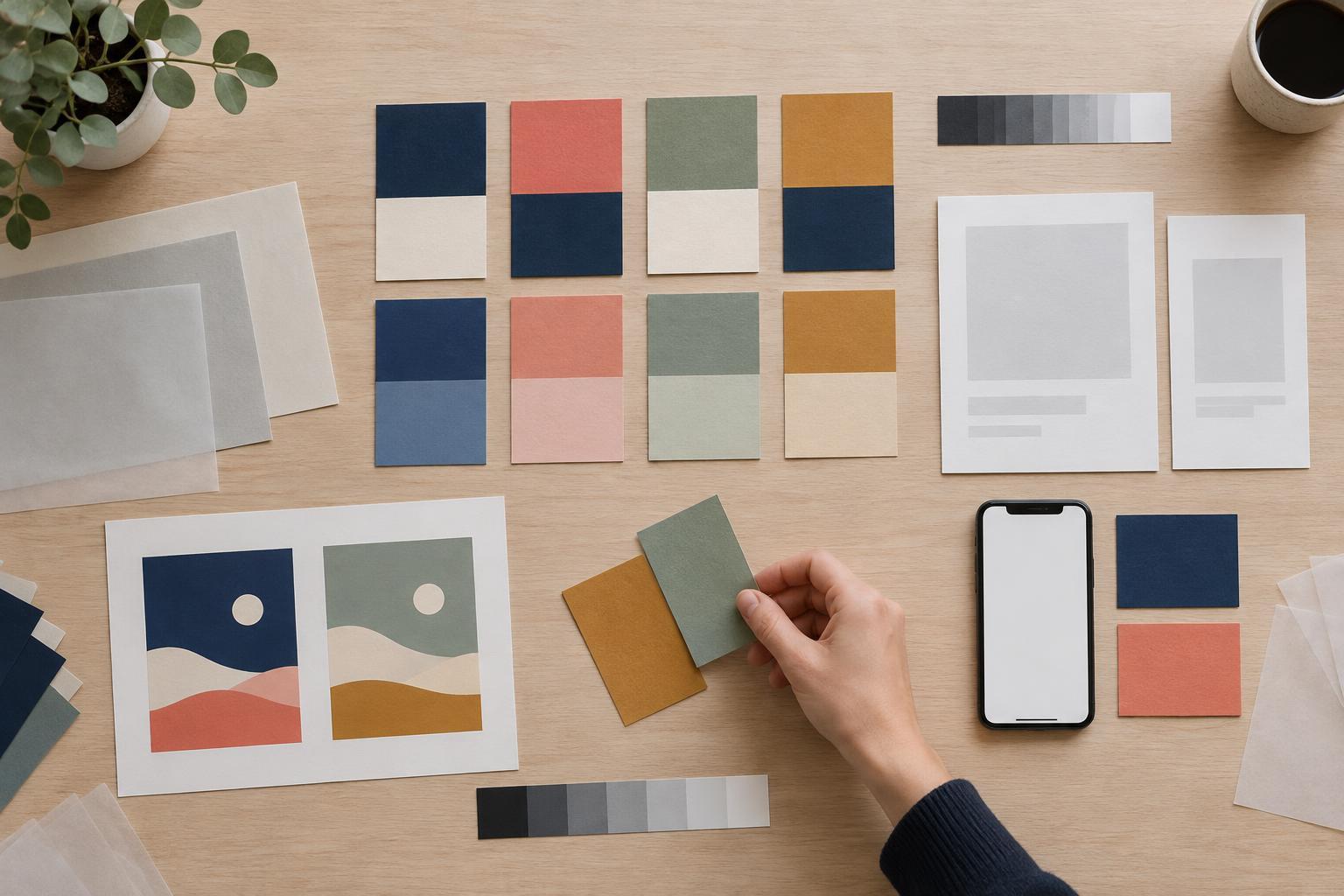
Explore attributes across typography, colour, layout, imagery and graphic elements rather than asking one feature to carry the entire message. Typography sets a tone, but it also has a job: readers must be able to distinguish headings, instructions and supporting text. Colour can establish recognition and emphasis, but it should remain useful when paired with text and viewed in different formats. Layout determines whether the identity feels orderly, spacious, dense or energetic.
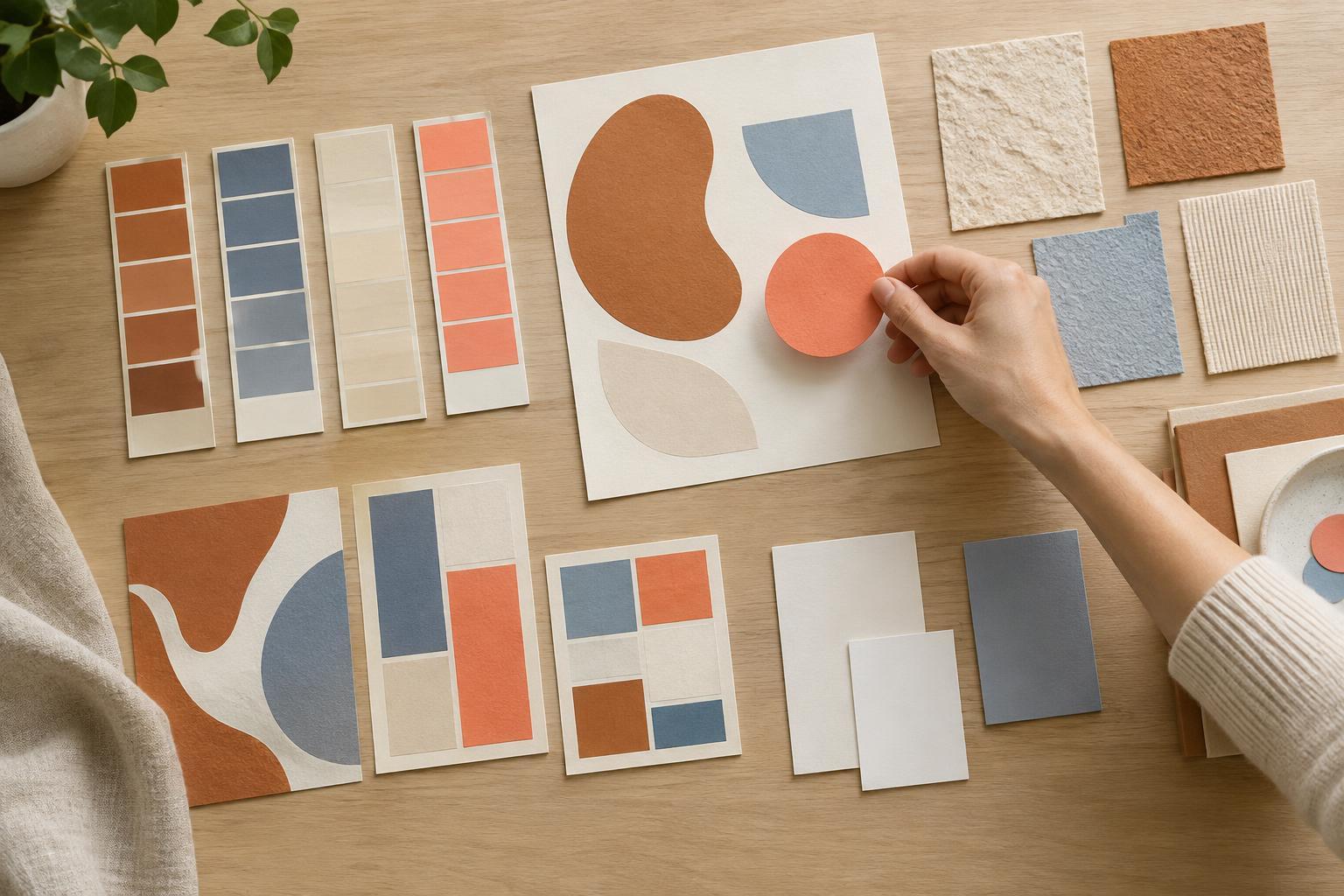
In the repair studio example, a clear type hierarchy and a repeatable label format could support capability. Warm photographs of actual workspaces could support welcome, provided they show enough context to be informative. A small set of modular shapes could suggest resourcefulness without appearing on every surface. Together, these decisions tell a more coherent story than selecting a “friendly” font and leaving the other elements to chance.
Write a short rationale for each major choice: “We use this because it helps communicate that.” Then make a second list of choices to avoid. For instance, the studio might avoid diagrams so decorative that they obscure steps, or imagery that shows tools but never shows how people use them. An avoid list helps collaborators make consistent decisions later.
Test the identity where people will encounter it
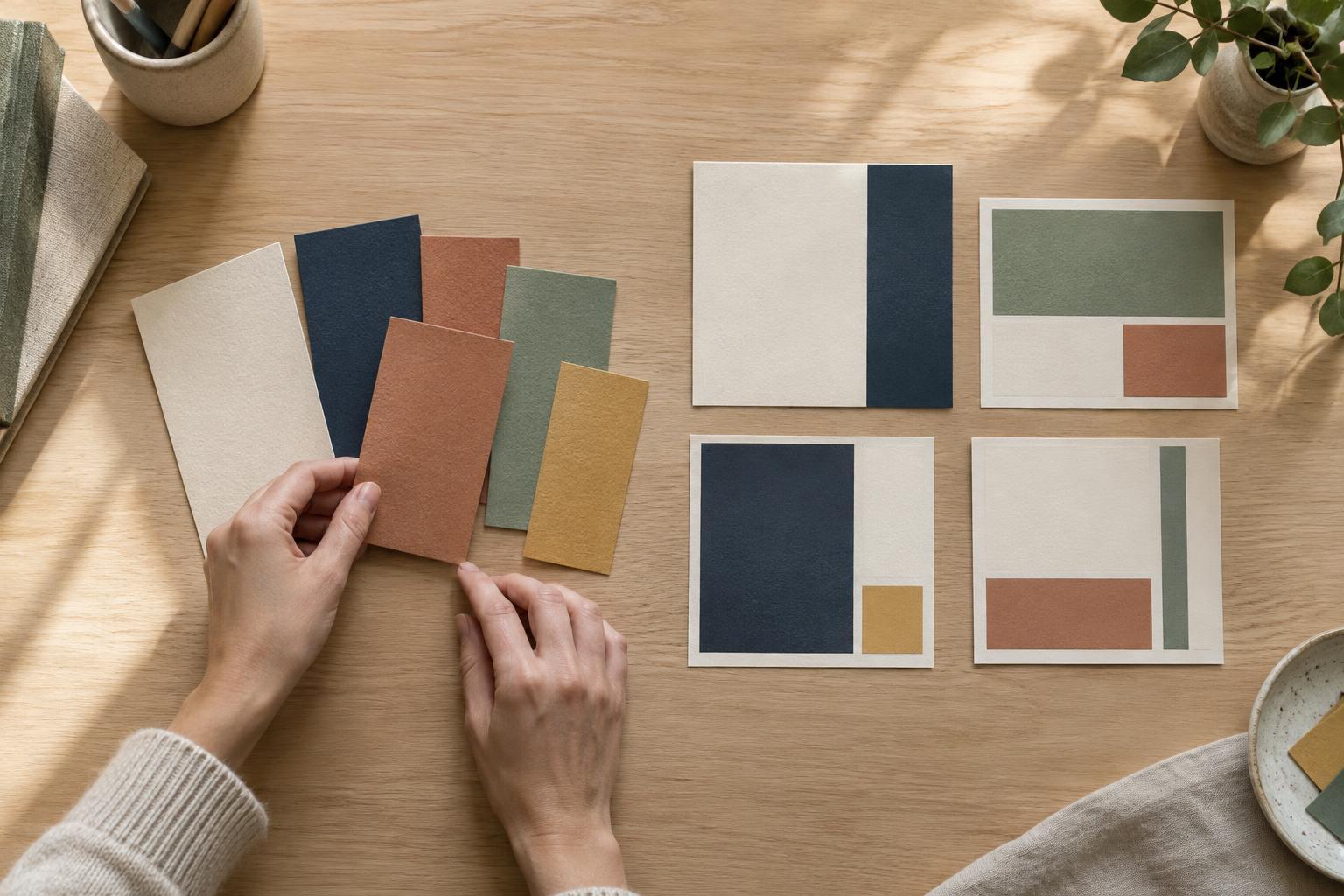
A polished mood board can make a direction look convincing without showing whether it works. Apply two or three visual directions to the same realistic examples: a web page, a workshop sign and a simple instruction sheet, for instance. Use plausible copy lengths and content priorities. This reveals whether a system can handle both an expressive headline and practical details.
Show the examples to a few people who resemble the intended audience, if possible. Rather than asking whether they like the design, ask what kind of organisation they think it represents, what they notice first and what they would do next. Compare their answers with the attributes and tasks you defined. A gap is useful feedback: if everyone sees “exclusive” when you intended “welcoming,” identify which choices may be causing that impression.
Also check the unglamorous conditions. Can small text be read? Do key distinctions survive without colour? Can a teammate create a new page or poster without inventing a new style? These checks matter because an identity communicates through repeated use, not only through its best-presented example.
Document the reasoning, not just the result
Once a direction works, record the connection between attributes and design choices in a brief guide. Include examples of type hierarchy, colour roles, image selection and layout patterns, with a sentence on why each exists. Show at least one appropriate and one inappropriate use where the difference might otherwise be unclear.
Treat the guide as a tool for making future decisions, not a catalogue of fixed answers. New formats will raise questions the original examples cannot cover. When that happens, return to the defined attributes, the audience’s tasks and the trade-offs you identified. The strongest visual choices are not simply those that look distinctive in isolation; they help people recognise, understand and use the brand across the places it appears.