Start with the question, not the tool
An empty notebook and a blank digital canvas can be equally intimidating. Before choosing one, decide what you need from the next half hour. Are you trying to produce many possibilities, understand a problem, test a layout or help a team discuss a direction? The task matters more than whether the tool feels traditionally creative.
Early-stage ideas are usually incomplete. A visual identity may begin as a few words about tone, a rough symbol or an unexpected pairing of colours. At this point, the best tool is often the one that lets you make a thought visible quickly, without encouraging you to polish it too soon. You can change tools as the question changes.
Use paper to explore without committing
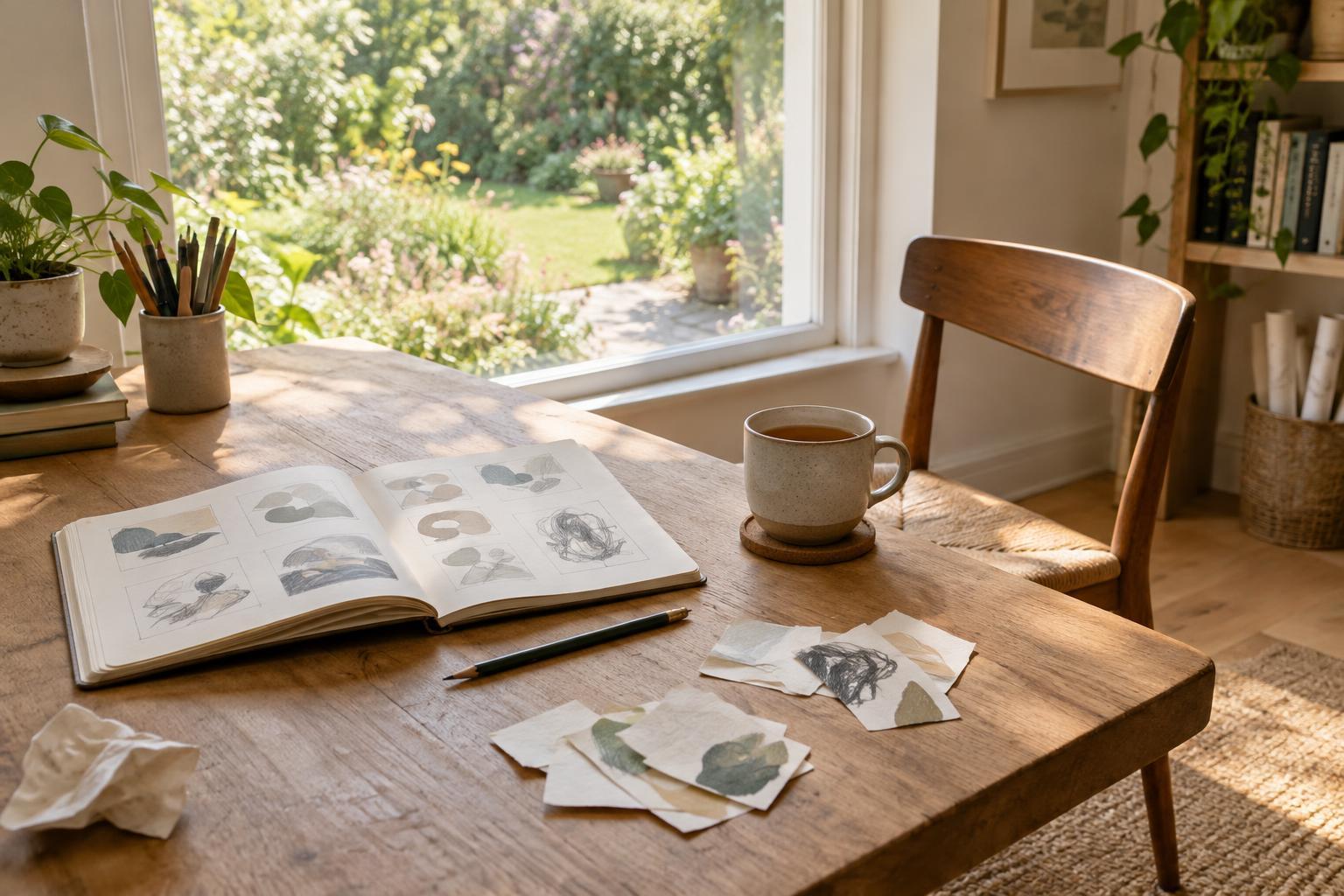
Paper makes it easy to put several unrelated ideas side by side. A pen and a stack of small sheets can help you sketch ten logo structures, arrange a sequence of photographs or map the steps in a workshop. Because each mark is quick and difficult to perfect, paper can keep attention on the concept rather than on precise alignment or finish.
Try a ten-minute sketch exercise: write one design question at the top of a page, divide the rest into eight boxes and fill every box with a different response. For a project identity, you might explore eight ways to express ‘welcoming’ through shape, spacing or imagery. Label each sketch with the idea it tests. The labels make the page useful later, even if the drawings are rough.
Paper also has limits. Rearranging a complex set of notes takes work, and a sketch left on someone’s desk is hard for a remote teammate to see. If you expect to share the work, photograph each page in even light and give the images clear names. Capture the thinking while it is still fresh rather than waiting until every sketch looks presentable.
Use digital space to collect, compare and revise
Digital tools are useful when ideas need to move. You can group reference images, duplicate a composition, reorder notes and compare variations without starting from scratch. A shared board can give collaborators a common view of a developing project, while a simple document can make emerging decisions easy to find.
Those conveniences can also pull an idea toward a finished appearance before its purpose is clear. Templates, fonts and polished mockups are helpful later, but they may make a weak concept feel more settled than it is. When exploring digitally, set a temporary constraint: use plain shapes, one typeface and short labels. Make several visibly different options before adjusting details within a favourite.
For a quick digital exercise, create three columns titled ‘What we know’, ‘What we could try’ and ‘What needs testing’. Add brief notes or images, then move uncertain assumptions into the last column. This separates observations from proposals and gives the next round of work a purpose.
Choose a sequence that fits the work
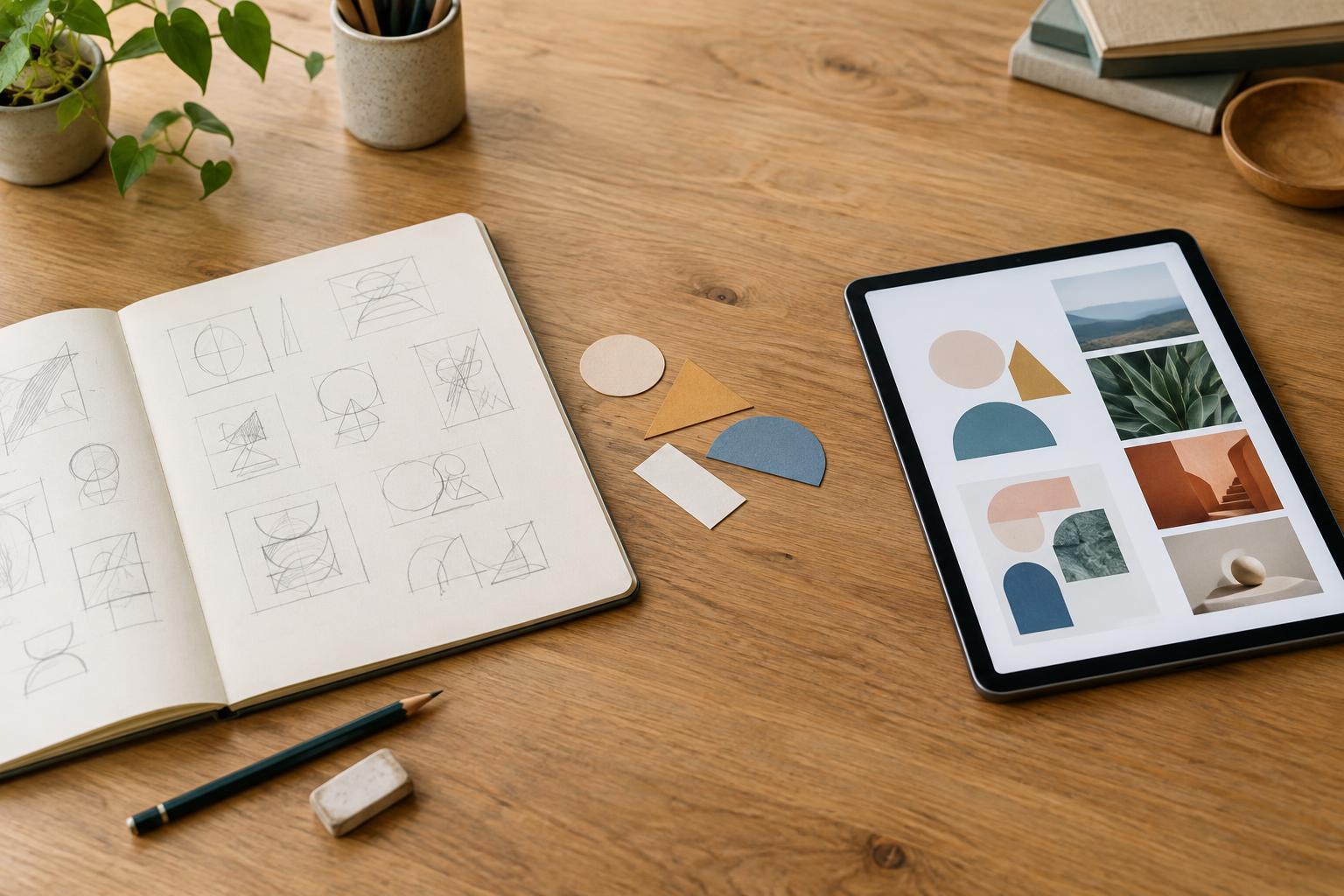
Paper and digital tools do not have to compete. A practical sequence for a small design project is to write the brief in one sentence, sketch several directions on paper, photograph the promising ones and place them on a digital board. Add a note beside each image explaining what it explores and what remains unresolved. The board then becomes a place to compare ideas, not merely a gallery of attractive sketches.
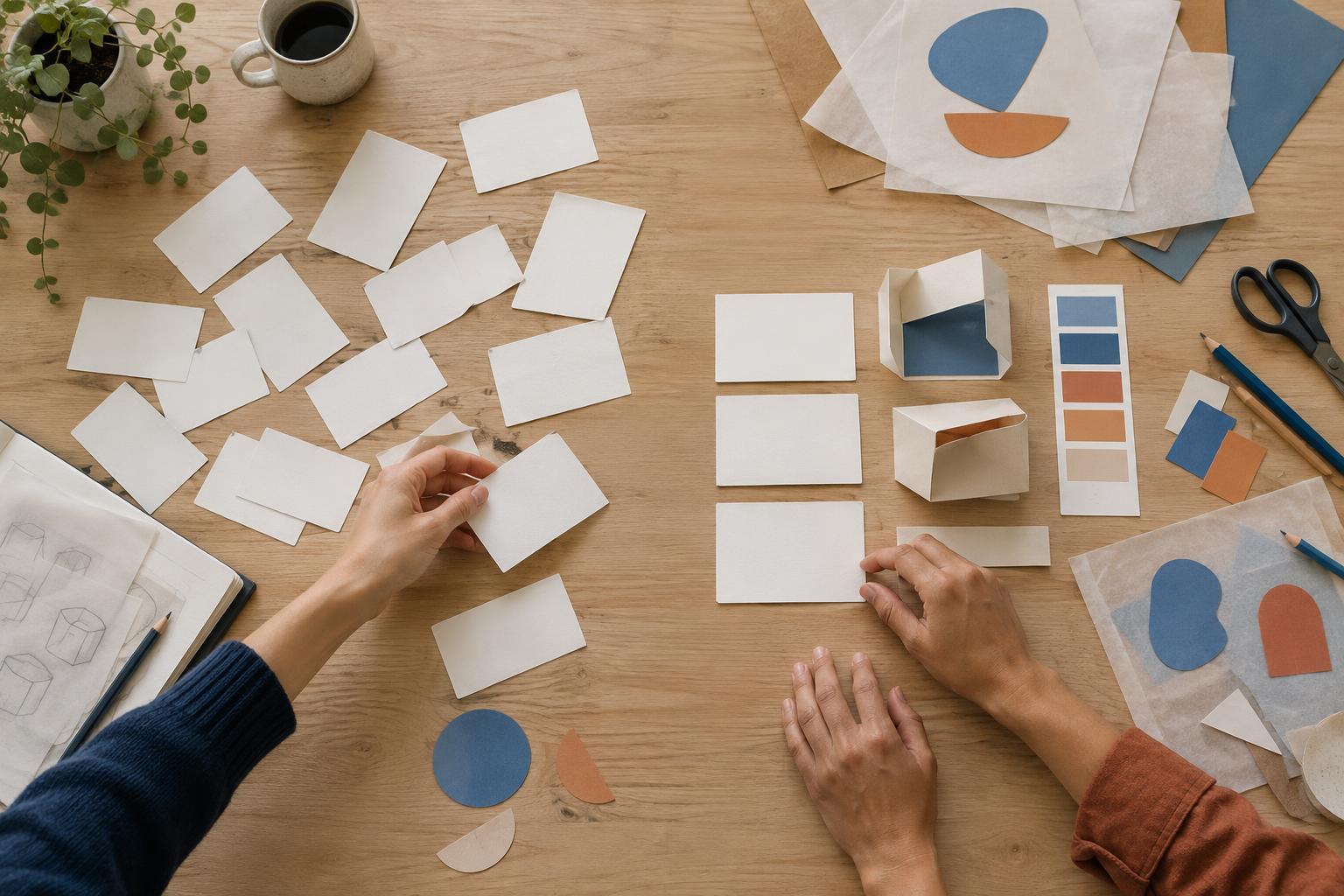
The reverse sequence can work too. If you are planning a photography project, gather existing images and practical requirements digitally, then step away from the screen to draw possible shot sequences on cards. Moving the cards can reveal gaps in the story more easily than refining a single tidy layout. Return to the digital workspace once you know which sequence to develop.
For group work, agree in advance how ideas will be transferred. Someone can photograph workshop sheets, transcribe decisions and mark questions that the group did not resolve. A short handover prevents the most polished or easiest-to-share contribution from being mistaken for the strongest idea.
Make the next step visible
At the end of an idea-generation session, do not ask only which concept looks best. Ask what each tool helped you discover. Did sketching reveal more distinct directions? Did a digital comparison expose repeated ideas? Did sharing the work change the question? These observations can guide your next session more reliably than a fixed rule about always starting on paper or always working on screen.
Select a small number of ideas to develop, and give each one a specific test. You might check whether a rough mark remains legible at a small size, whether a proposed image sequence communicates its intended mood or whether a teammate understands a concept from its short description. Keep the unused ideas accessible, but make the immediate next action clear. The aim of early-stage work is not to choose a perfect tool; it is to create enough useful possibilities to know what to test next.