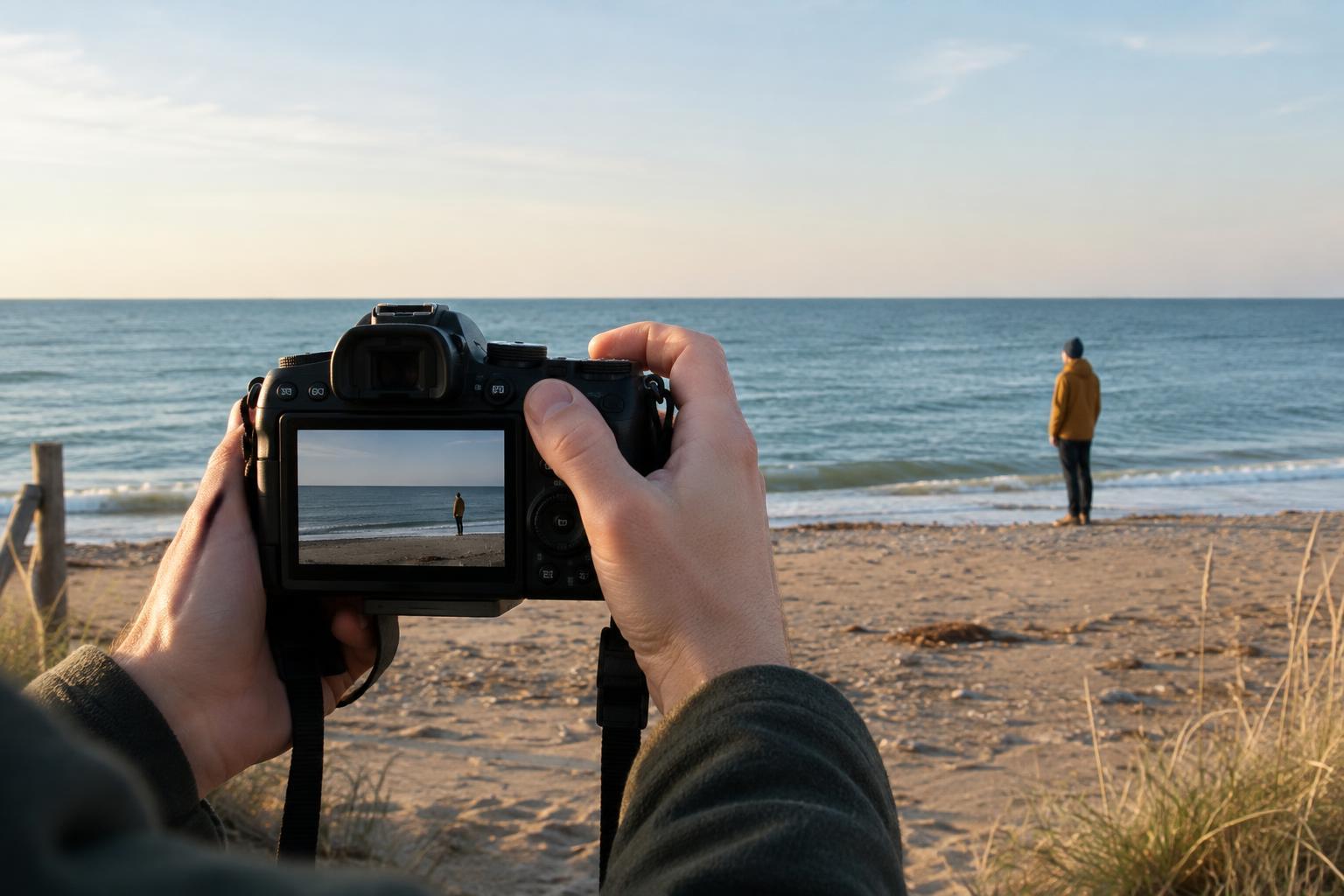
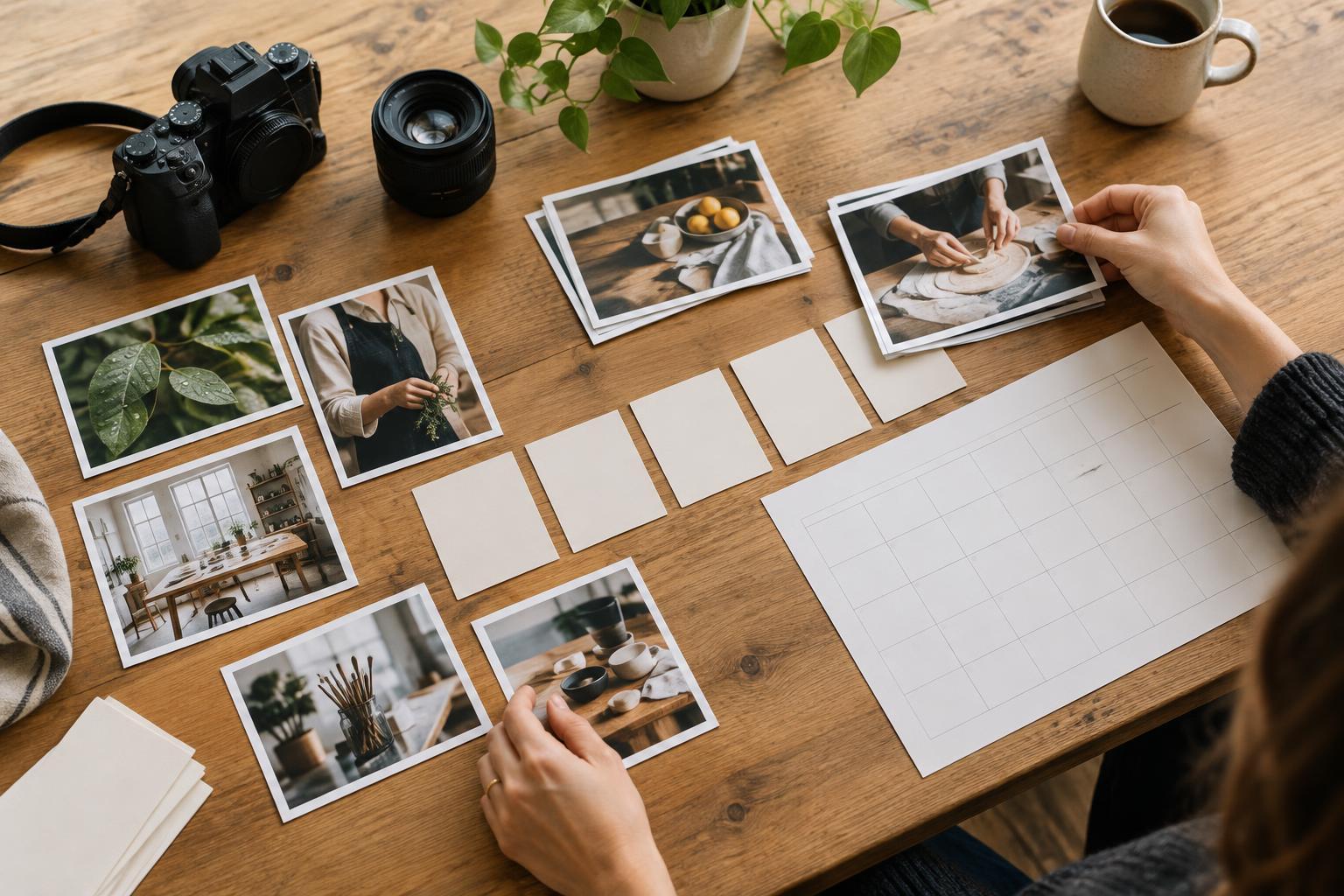
Start with the purpose, then protect the original
Before moving a slider, decide what the finished image needs to do. A photograph for a portfolio may need to show a project faithfully; a campaign image may need room for text. Note the intended use, approximate shape and visual priority. If the image features a handmade object, for example, accurate material colour may matter more than a dramatic mood.
Copy the raw files from the camera card to a clearly named project folder, and make a second copy before editing or clearing the card. Raw files retain more information for later adjustments than a typical camera JPEG, but they are not finished images. Import them into an editor that preserves the original file and records adjustments separately. This non-destructive approach lets you revise decisions without starting over.
Select a frame and set the composition
Review the shoot before editing individual photographs. Look for a frame that communicates the subject clearly, has usable focus where it matters and fits the intended placement. Compare similar frames side by side rather than polishing all of them. Mark a small set of candidates, then choose one to develop; this keeps editing time focused on images you are likely to use.
Apply lens corrections if they improve unwanted distortion or darkened corners, then check the horizon and vertical lines. Crop for the destination while leaving enough space around important elements. For a website header, that may mean preserving quiet space for a title. Avoid cropping so tightly that a later change of layout becomes difficult. If you need several formats, finish the main edit first and make separate crops afterward.
Build a balanced foundation with light and colour
Begin with white balance. Find an area that should appear neutral, or adjust by eye while considering the light in the scene. A warm interior does not necessarily need to look clinically white. Next, set overall exposure so the subject reads clearly. Adjust highlights to recover distracting bright areas where detail is available, and lift shadows only as far as the image needs. Check the lightest and darkest parts at normal viewing size; trying to reveal detail everywhere can make a photograph look flat.
Move on to contrast and colour. Small changes to the tonal curve or contrast controls can create separation without crushing shadows. Use saturation carefully, since strong global adjustments can make skin, paint or printed materials look unlike themselves. If one colour is distracting, adjust that colour selectively instead. Compare your edit with the unedited version now and then. The goal is not to maximise every control; it is to help a viewer notice what matters.
Refine locally and inspect the details
Use local adjustments for problems that affect only part of the frame. A gentle mask can brighten a face, reduce a bright patch behind a product or bring out texture in a dark surface. Keep these changes plausible within the scene’s lighting. If a local edit becomes obvious at first glance, reduce its strength and review the image as a whole.
Zoom in to check focus, noise and small distractions. Remove temporary marks such as sensor dust or a stray speck on a backdrop, but think before removing features that are part of the subject. For documentary or client work, agree on the acceptable level of retouching when accuracy matters. Apply noise reduction and sharpening with restraint, checking edges at a closer view and the overall effect at the intended display size.
Export for the destination and make a final check
Save the editable version with its adjustment settings, then export a separate finished file. Choose dimensions for the actual use: a web image need not have the same pixel dimensions as a print-ready handoff. JPEG is a practical option for many photographs online; use another format when the destination or collaborator requires it. For general web delivery, an sRGB export is often a dependable choice. Use a descriptive filename that identifies the project, image and version without relying on a string of camera numbers.
Open the exported file rather than assuming it matches the editor preview. Check the crop, colour, sharpness and any text-safe space at the size where people will see it. If you are delivering several images together, compare them for consistent brightness and colour without forcing every scene to look identical. Keep the raw files, editable work and exports in distinct folders. That simple separation makes it easier to revise an image later and easier for someone else to find the finished one.